
Fansly is a platform that allows you to monetize photo and video content through subscriptions.
In this article, we'll look at what to film for Fansly, what equipment you need, and how to publish content correctly to attract and retain subscribers.
What to shoot for Fansly
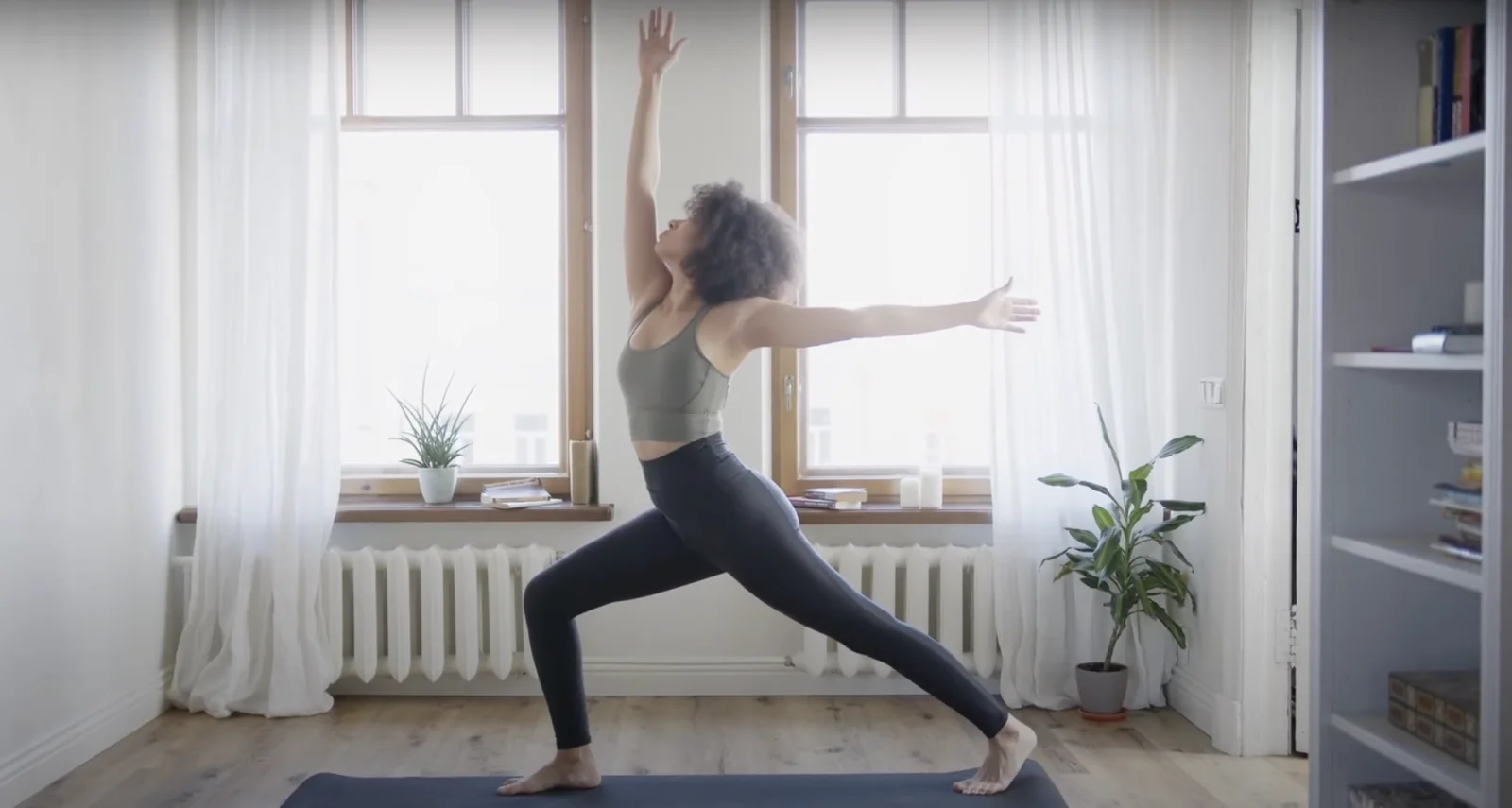
The content you choose for Fansly depends on your interests, talents, and audience preferences. Here are some popular options:
Exclusive photos and videos
- Photo shoots in various styles: fashion, fitness, cosplay, nude art.
- Videos about training, dancing, cooking or everyday life.
Educational content
- Master classes, educational videos (on makeup, cooking, handicrafts).
- Tips and life hacks in your area of expertise.
Personalized Content
- Answers to questions from subscribers.
- Personalized videos based on requests, such as congratulations or motivational speeches.
Live Streams
- Chats with subscribers in real time.
- Live broadcasts with questions and answers, training or cooking shows.
What you will need for filming
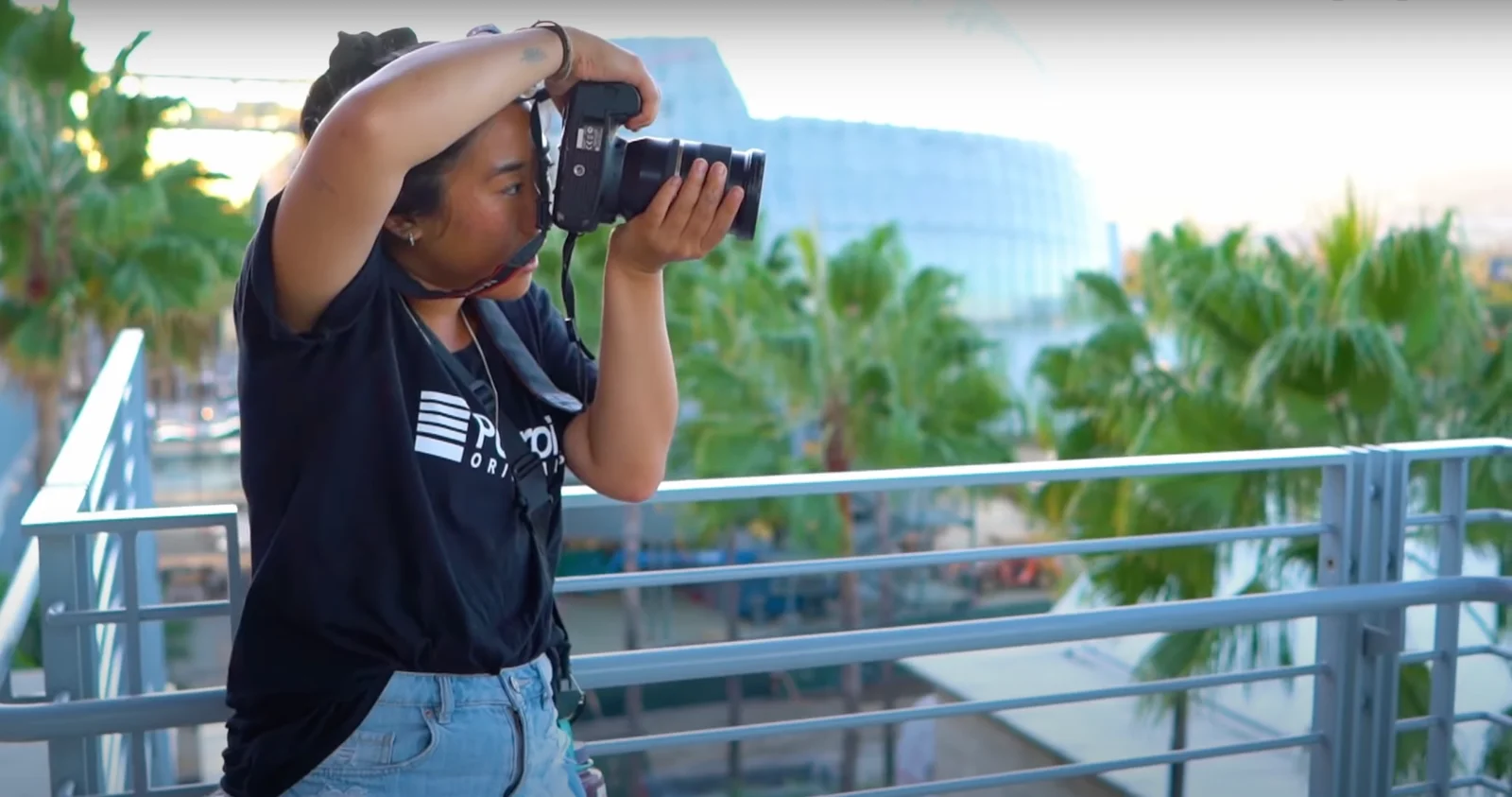
To create quality content on Fansly, it is important to have the appropriate equipment. Below is a list of necessary equipment and tips for choosing it.
Cameras
Image quality plays a key role in the content experience. Here are a few types of cameras that will work:
- DSLR and mirrorless cameras:
Examples of models: Canon EOS R, Sony Alpha a7 III, etc. Such cameras are valued for their high image quality, the ability to change lenses and advanced settings.
- Compact and vlogging cameras:
Example models: Sony ZV-1, Canon G7 X Mark III. The advantage of such cameras is their ease of use without loss of quality and their compactness.
Webcams
For live broadcasts and real-time video, a webcam is a great choice:
- Logitech C920/C922:
This camera is affordable, shoots high quality video, and has a built-in microphone.
- Razer Kiyo:
This camera has a built-in ring light, making it suitable for shooting in dimly lit environments.
Microphones
Sound quality is just as important as picture quality. Here are a few types of microphones that are suitable for recording:
- Lavalier microphones
Models such as: Rode SmartLav+, Sennheiser ME 2 are compact, easy to use and have good sound quality. Perfect for recording conversational videos and filming outdoors.
- Desktop USB microphones:
For example, Blue Yeti and Audio-Technica AT2020USB+ microphones transmit sound in good quality and are easy to connect. A good choice for recording podcasts and video dubbing.
- Condenser microphones
Example models: Rode NT1-A, Shure SM7B. They deliver professional-quality sound, can be connected to an audio interface, and are suitable for studio recording.
Recommendations for shooting content and posting
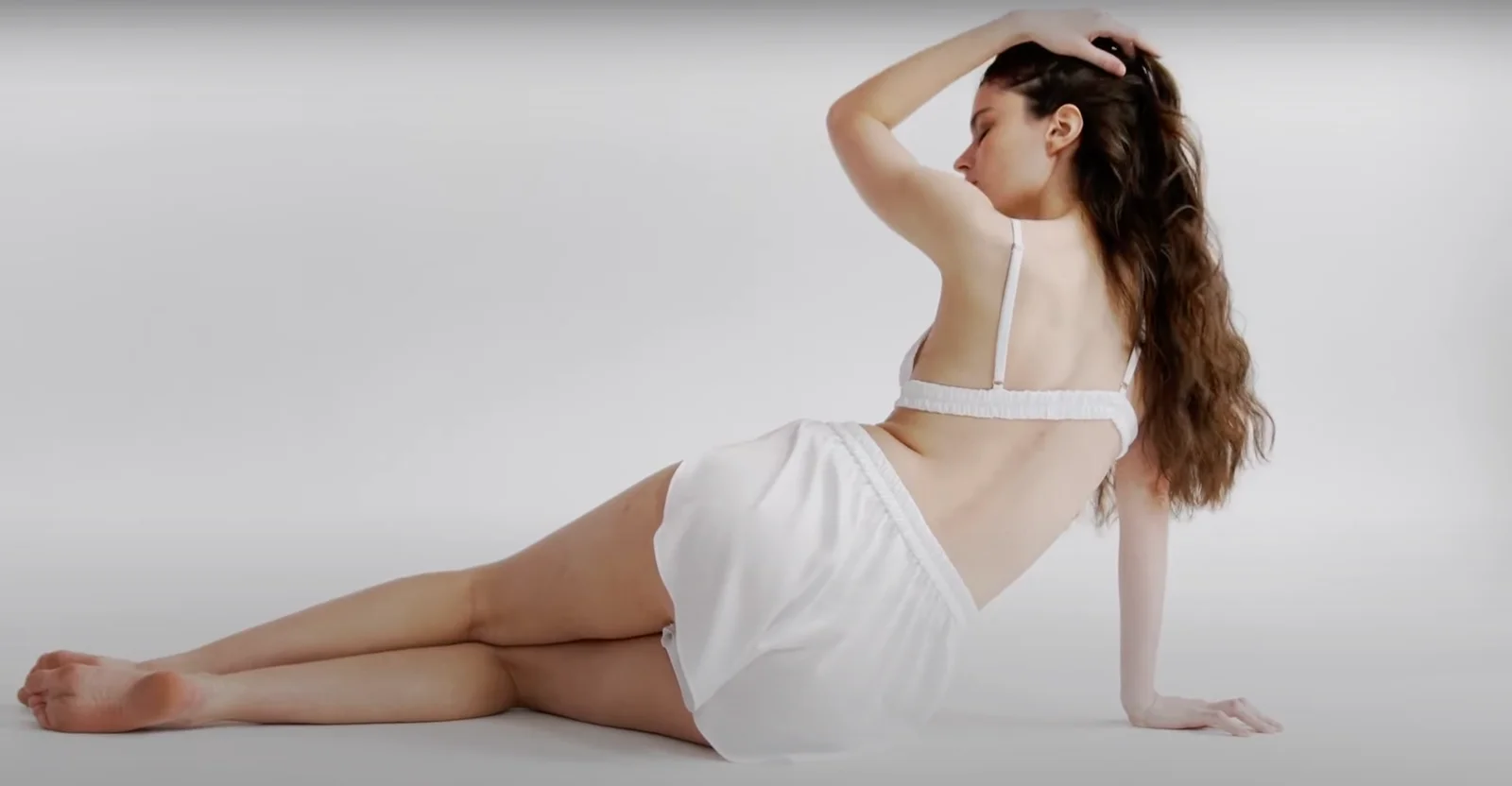
Now that you have the necessary equipment, here are some tips for creating and publishing content.
- Lighting: Use natural light whenever possible. Shoot near windows or outside. Invest in artificial lighting if natural light is not enough. Ring lights and softboxes are great options.
- Composition and Framing: Use the rule of thirds to make your photos more interesting. Watch the background. It should be clean and not distract attention from the main subject.
- Sound: Record in a quiet place. Avoid echoes and extraneous noise. Use pop filters and noise reduction to improve recording quality
- Editing: Use video editing programs such as Adobe Premiere Pro or Final Cut Pro to improve the quality of your video. Add subtitles and descriptions to make your content more accessible and understandable.
- Regularity and interaction: Post content regularly. This helps to retain your audience and attract new subscribers. Interact with your subscribers and take their wishes into account when creating content.
- Analyze your results: Regularly review your statistics and monitor your engagement rate. Try different content formats to find what works best.
Creating content for Fansly takes time, effort, and creativity. With the right equipment and following filming and publishing tips, you can create quality content that will attract and retain your audience. Don't be afraid to experiment and find your own unique style. Good luck in your endeavors on Fansly!