How to Make Money on OnlyFans: Ways to Earn and Tips
The main ways to earn on OnlyFans: subscriptions, paid messages, tips, custom content, streams and referrals, plus the platform fee and tips for beginners.

Important. Platform terms change. Before signing up, check the current rules, fees and payout availability for your country.
OnlyFans was originally designed as a platform for creative people such as musicians, designers, photographers, artists and animators who wanted to monetize their work. In practice, the platform is now best known for adult content, which for many creators has become a business and a source of income.
Registration and verification
According to platform statistics, OnlyFans gets more than 400 million visitors every month, and the number keeps growing. Most of the audience is in the US, the UK, Canada, Australia and Europe. Anyone who is of legal age can sign up. Before you start, check that creator accounts and payouts are available in your country.
Official website: onlyfans.com.
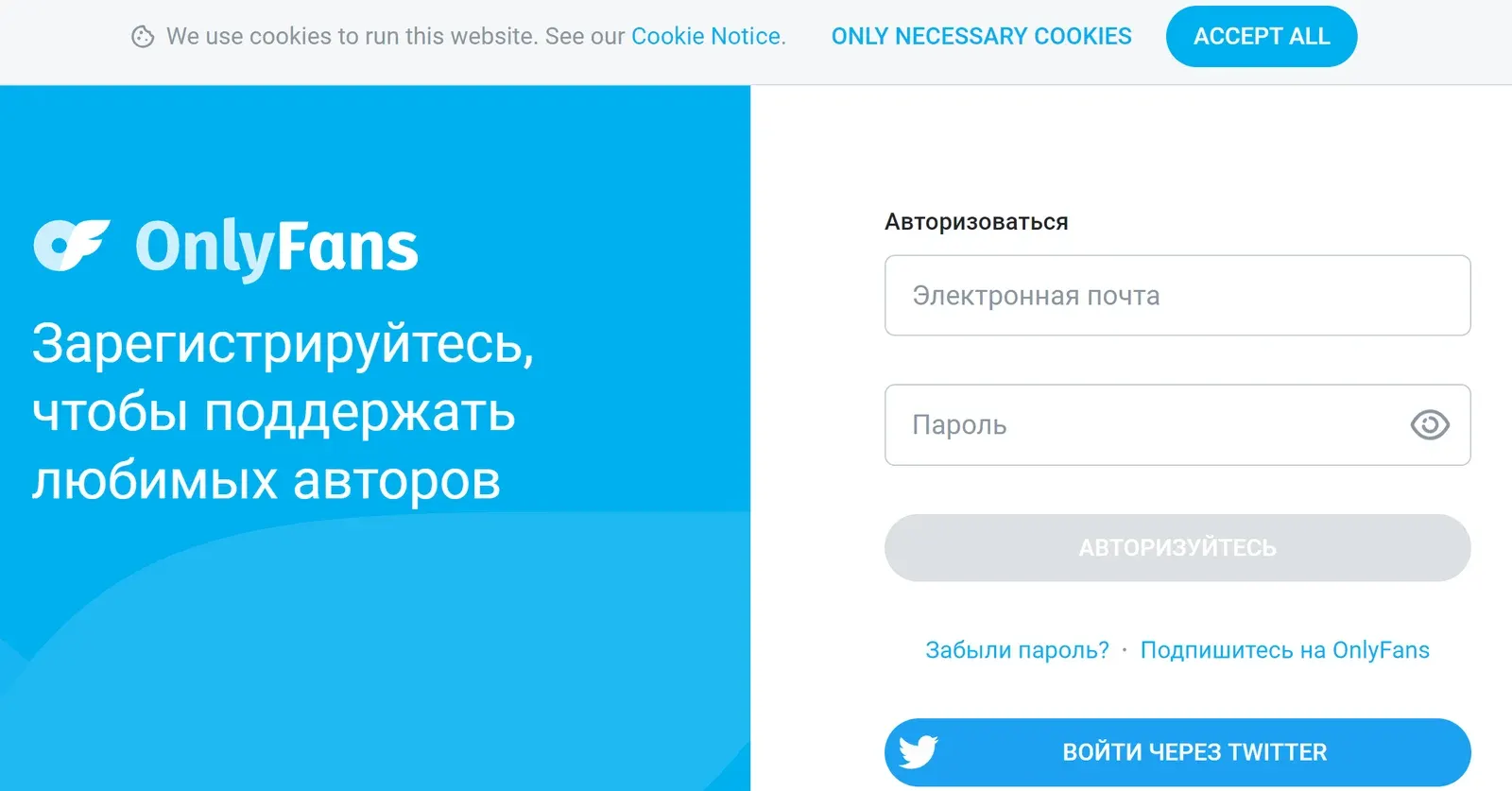
Registration takes a few steps:
- Sign up with a username, an email address and a password, or log in with Twitter or a Google account.
- Create a creator page by clicking the profile circle on the left.
- Upload an avatar and a banner and fill in your description.
- Verify your account. This step is mandatory and normally takes no more than a day.
Use geo-blocking to restrict access from selected countries. It helps protect your account from leaks and scammers and makes work more comfortable.
Ways to monetize
You can earn from subscriptions, PPV, tips, custom content and live streams. Here is each one in more detail.
Subscriptions
A creator can run two accounts at once: a paid one and a free one. The free account is for warming up the audience, the paid one is the main page, available by subscription. Until a fan pays, they will not see the photos and videos.
The minimum subscription price is $4.99 per month. The platform takes a 20% fee from that amount and the remaining 80% goes to the account owner. A paid account can offer free trials or discounted subscriptions.
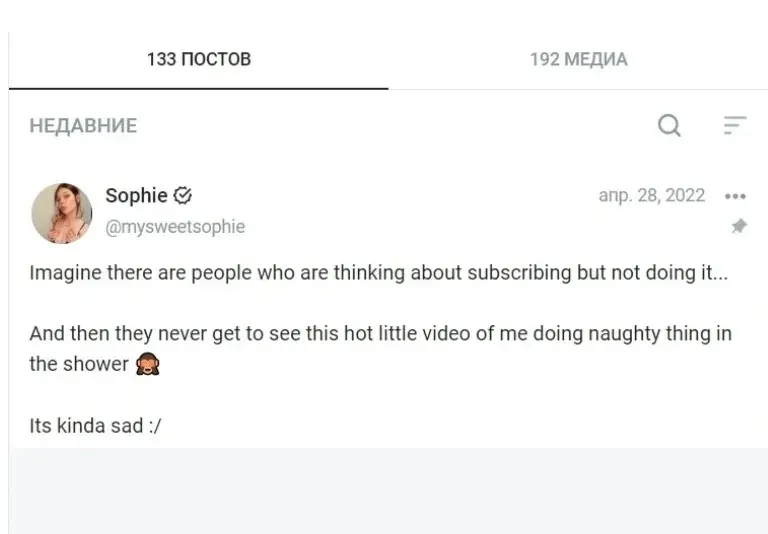
On a free account, you earn from Pay-Per-View: separate paid posts. They can be published on your page or offered directly in private messages. This option is not available on a paid-subscription page. You can change the account type at any time.
Beginners are often advised to start with a free account. Well-known personalities can go straight to a paid profile.
Pay-Per-View
PPV (Pay-Per-View) works on a "pay first, view later" basis. A fan gets nothing until they pay. The minimum price is usually $3, but the creator can set a higher one. Income is not capped, and many experienced creators earn mostly from PPV.
A teaser message is sent in the chat, with a price set for the full version. The deal is safe and convenient for the creator. Statistics for this type of income appear in the Messages section.
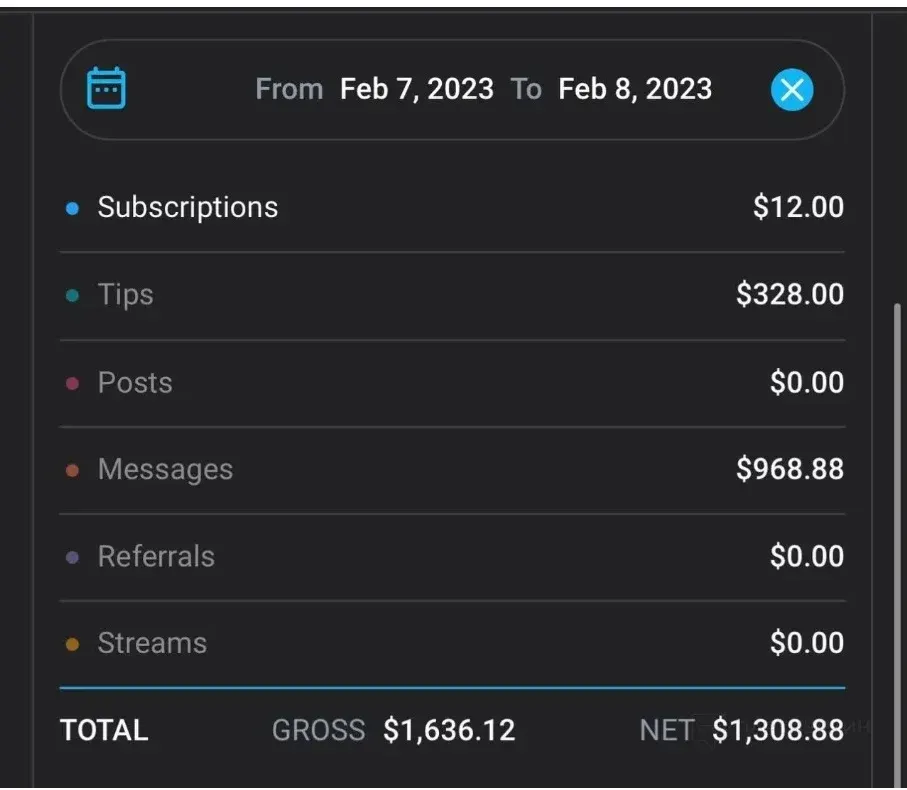
Tips
Tipping has moved from real life to the online world. Fans can send money as thanks for a post or simply to show appreciation. It is an effective tool when used well.
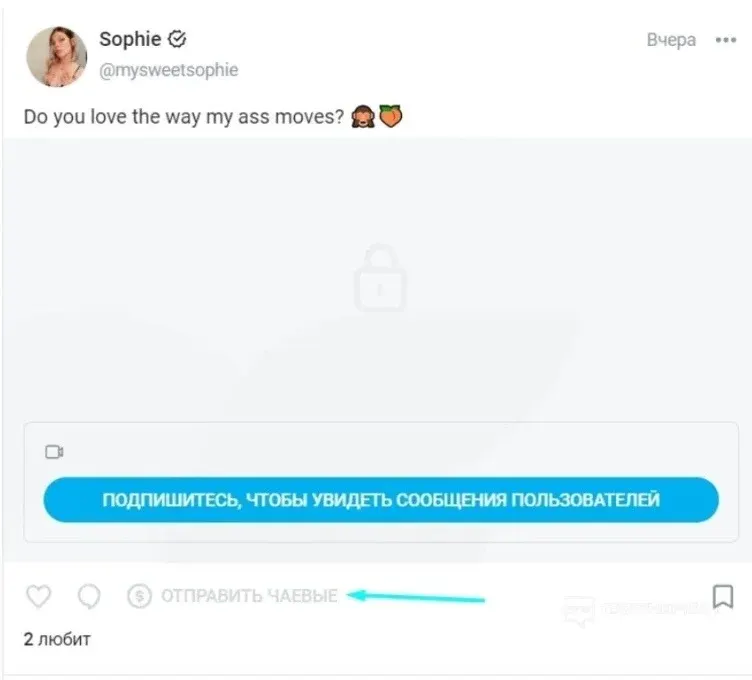
Custom content
Customs (custom content) are photos and videos that were not planned by the creator but are made to a fan's order. The price per minute of custom video usually starts at $15 to $20. The content is delivered by private message after payment.
Paid chats
Private conversations with fans are another source of income. Some creators build recurring storylines and themed chats with their subscribers. Some hire a chatter, a person who writes in the creator's name, so that messages are answered quickly.
Live streams
Streams let creators talk to fans in real time and encourage them to support the account. Fans can send tips during a stream.
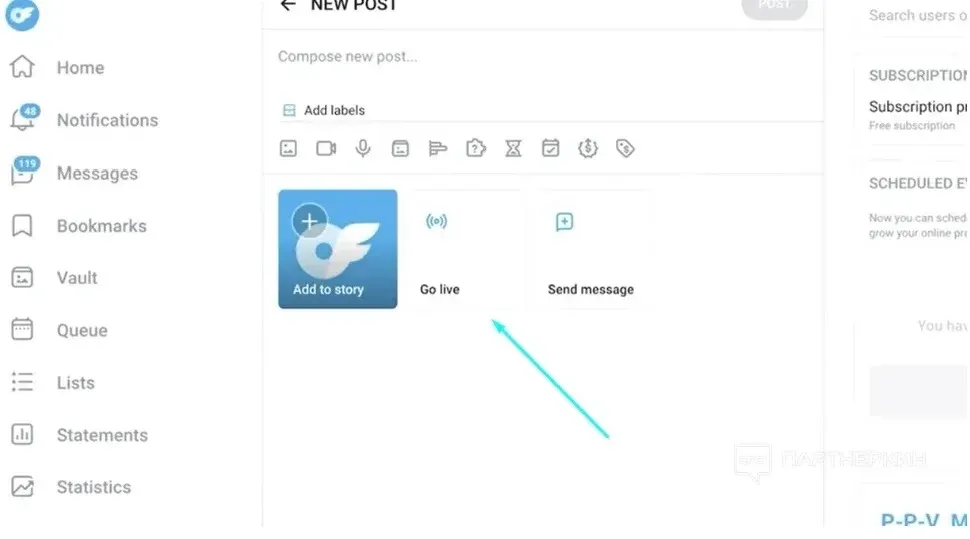
The account page has a button for creating a new post, which also lets you go live. A creator can limit access to a certain audience.
A stream can be free, paid or set up with a goal, such as collecting a certain amount of tips. You can also invite guests, for example other creators.
Referral links
The platform also lets you earn through referral links. The terms: 5% of the earnings of the referred creator during the first year, with a cap of $50,000 per referred creator. You can place the link on any social network or on your own website. There are several required conditions:
- the creator must register through the link, otherwise the referral will not count;
- only people who have not registered before are eligible;
- the account must be confirmed;
- referral earnings can be withdrawn only 7 days after the request.
To learn how payouts work, see the guide to withdrawing money from OnlyFans, and for ways to grow an audience, the review of paid traffic sources.
Platforms in this guide
- OnlyFansThe largest subscription platform: creators keep 80%
Frequently asked questions
How much does OnlyFans take as a fee?
The platform keeps 20% of a creator's earnings, and the remaining 80% goes to the account owner.
What is the minimum subscription price on OnlyFans?
The minimum subscription price is $4.99 per month. You can also run a free account and earn from paid messages and posts.
How do I get subscribers on OnlyFans?
Use promo exchanges with creators in a similar niche, social networks, Reddit, referral links and paid traffic. Start with small budgets and watch which channels bring subscribers.
What is PPV on OnlyFans?
Pay-Per-View is a paid post or message that a fan can open only after paying. The minimum price is usually $3.
What type of content works best?
Poll your audience and study your statistics. Creators report that short videos tend to perform better than longer clips.
How does the OnlyFans referral program work?
You earn 5% of the referred creator's earnings for the first year, up to $50,000 per referred creator. The creator has to register through your link and confirm their account.