Best Time to Post on OnlyFans in 2026
When to post on OnlyFans: evenings and weekends, your audience's time zones, posting consistency, scheduling, A/B tests and tools for content planning.

Important. Platform terms change. Before signing up, check the current rules, fees and payout availability for your country.
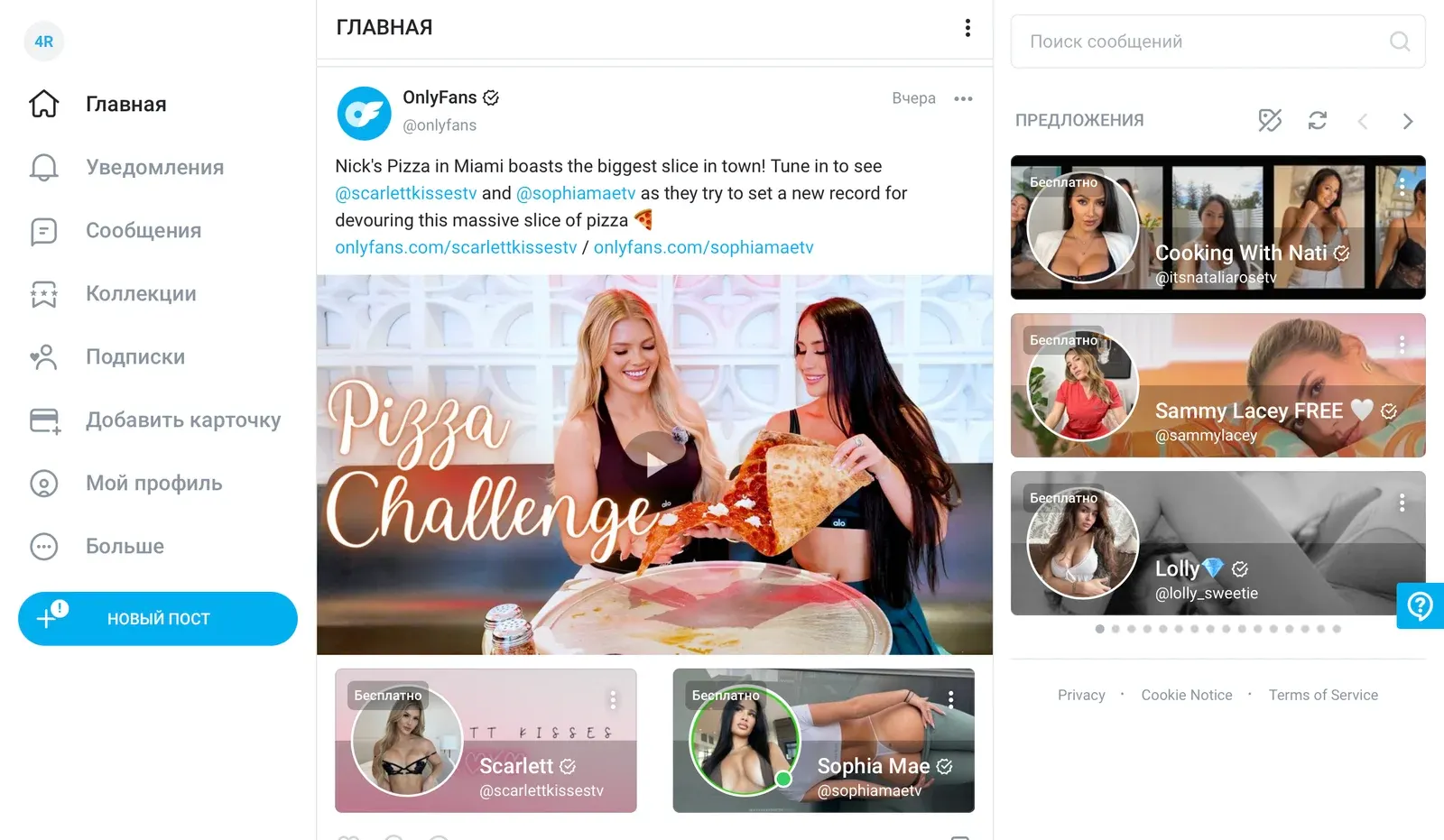
OnlyFans gives creators unique ways to engage their audience and monetize their work, but success takes strategic planning and analysis, especially when it comes to the timing of your posts.
Evidence suggests that OnlyFans users are most active in the evenings and on weekends, which makes those periods a good starting point. Results also depend on how well you know your audience, how regular your content is and whether you use modern scheduling tools.
General recommendations
The best time to post depends on many factors, but the general trend is that users are more active in the evenings and on weekends. That is when most people are free from work and daily chores and are more likely to browse and interact with content on the platform.
Planning your content
Statistics
Understanding how your audience behaves is the key to good content planning. Analytics tools show when your subscribers are most active.
The built-in OnlyFans analytics show when your subscribers are active, how they interact with your content and other metrics that can help you refine your content plan.
Third-party social media analytics services can add more detail for the networks where you promote your profile. They can show which posts get the biggest response and at what time of day or week your followers are most active.
Studying this data helps you identify the best posting windows and increases the chances of engagement and a positive reaction to your content.
Time zones
Take your audience's time zones into account, especially if your subscribers live in different regions. The best posting time can vary a lot between them.
To reach as much of your audience as possible, try posting at different times of day. For example, if a large part of your subscribers is in the US and Europe, consider posting both in the morning and in the evening GMT. That way you reach the European morning and the US afternoon.
An example schedule:
- Morning post (GMT): publish around 8-9 am GMT. That is 3-4 am EST in the US and 9-10 am CET in Europe.
- Evening post (GMT): publish around 6-7 pm GMT. That is 1-2 pm EST in the US and 7-8 pm CET in Europe.
Then analyze the results and experiment with different posting times to find the best windows for your own audience.
Regularly reviewing your data and adjusting your posting plan to your audience's behavior is the key to high engagement and satisfied subscribers.
More content planning tips
Themed and seasonal content
The theme of your content can strongly affect engagement. Create content that matches your subscribers' interests and current events. Holidays, seasonal changes and major sports and cultural events can all inspire relevant and interesting posts.
Consistency
Regular posting keeps your audience interested. Subscribers should know when to expect new posts, and a steady schedule helps you hold their attention and loyalty. For example, you can publish new photos or videos every Monday, Wednesday and Friday.
Auto-posting and scheduled posts
Scheduling features can make your work much easier. They let you plan content in advance and publish it automatically at a set time, which is especially useful if you have a busy schedule or are going on vacation. With scheduling, your account stays active even while you are away.
Experimenting with posting times
Do not be afraid to try different posting times. A/B testing helps you find the most effective time to post: analyze the results and adjust your plan based on the data. Your audience may be active at unexpected hours, and experiments will reveal those patterns.
Useful tools
Several tools can help you plan content and automate promotion on the social networks that feed your OnlyFans profile. Check which features each tool supports before you commit to a paid plan. Here are three popular options:
Hootsuite
Official website: hootsuite.com
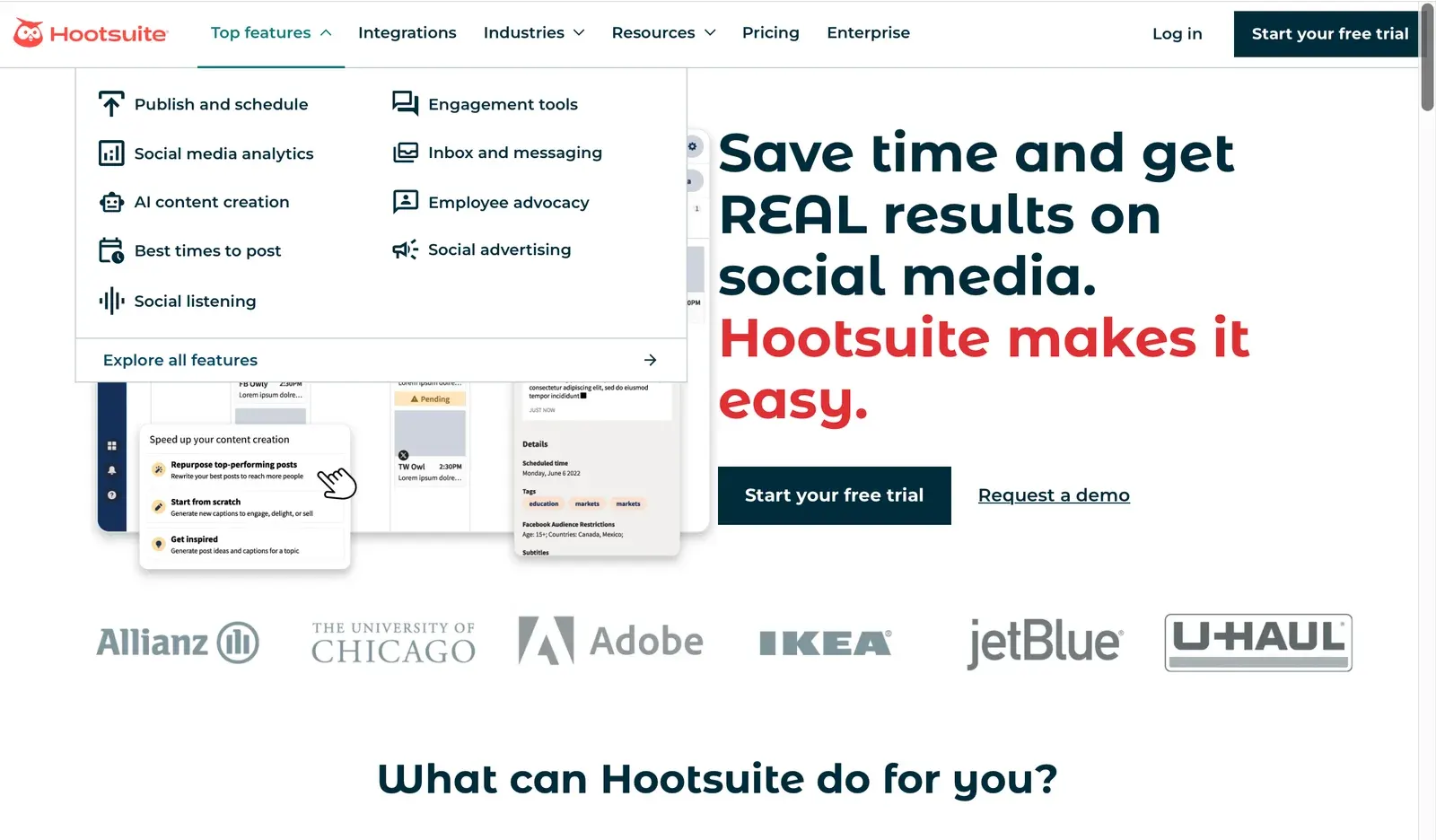
Hootsuite is a multi-purpose social media management tool. It lets you schedule and automate posts and provides detailed analytics on audience activity and engagement. It is a good fit for managing your promotional posts across several social networks.
Later
Official website: later.com
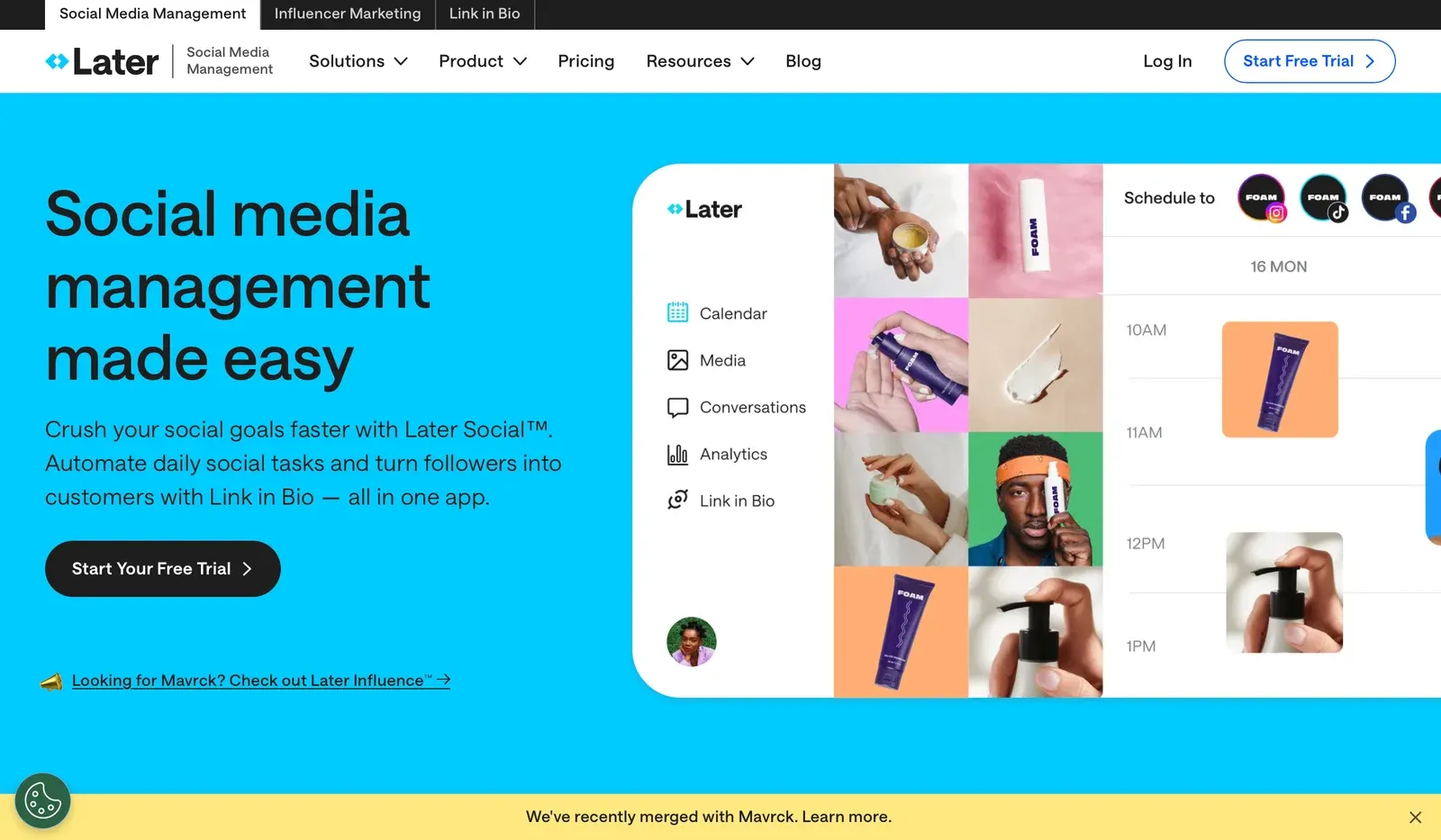
Later is a visual content planning tool. It lets you build a posting schedule, add images and videos and analyze how your posts perform. The preview function shows how your content will look in the feed, which helps you plan the visual layout of your account.
Buffer
Official website: buffer.com
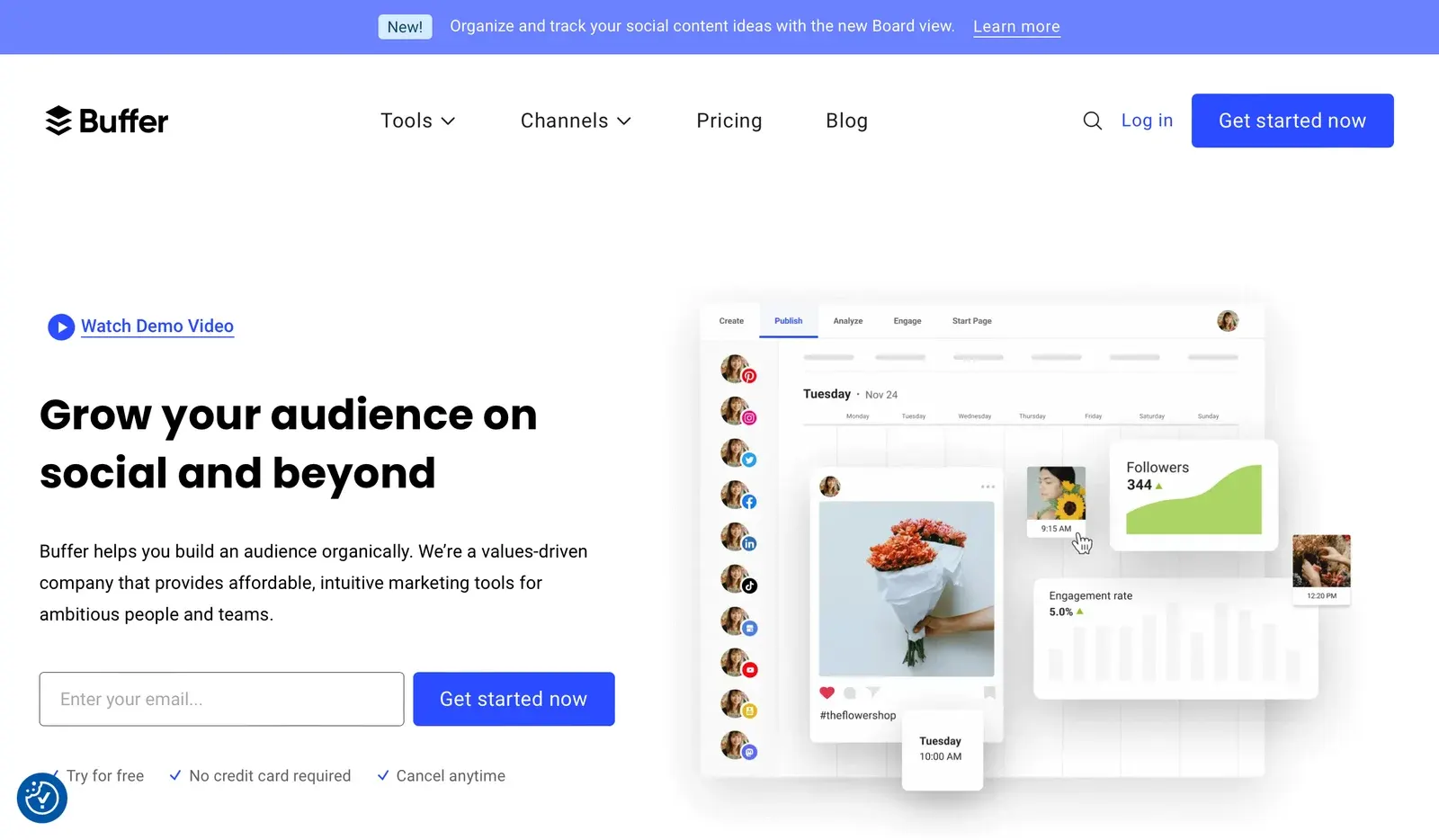
Buffer is another popular tool for scheduling and automating posts. It offers analytics and posting-time optimization to improve engagement. It can also manage several accounts at once, which makes it a good choice for creators active on multiple platforms.
Planning content on OnlyFans takes a strategic approach and attention to many factors. Knowing when your audience is active, posting regularly, using themed and seasonal content, scheduling posts and analyzing the results will help you get the most out of the platform. Tools such as Hootsuite, Later and Buffer can simplify planning and automation and support steady growth.
Platforms in this guide
- OnlyFansThe largest subscription platform: creators keep 80%
Frequently asked questions
How do I plan content for subscribers in several time zones?
Use scheduled posting and publish at different times of day so that you reach the morning of one part of your audience and the evening of another.
What kind of content works well during the holidays?
Themed photo sets, holiday videos and special offers tied to the occasion can perform very well.
Why should I analyze post performance regularly?
Analysis shows which formats and posting times bring the most views and reactions, so you can adjust your strategy in time.
How can I tell that my posting time is not working?
If views and engagement drop, try shifting your posting time and compare the results over a couple of weeks.
How often should I review my posting strategy?
Once a month, or at least every few months, because audience behavior and trends change.