How to Give a Chatter or Poster Access to Your OnlyFans Account
Chatters talk to subscribers and posters run the content schedule. Here is how to give them access to your OnlyFans account and which tools creators use for it.

Important. Platform terms change. Before signing up, check the current rules, fees and payout availability for your country.
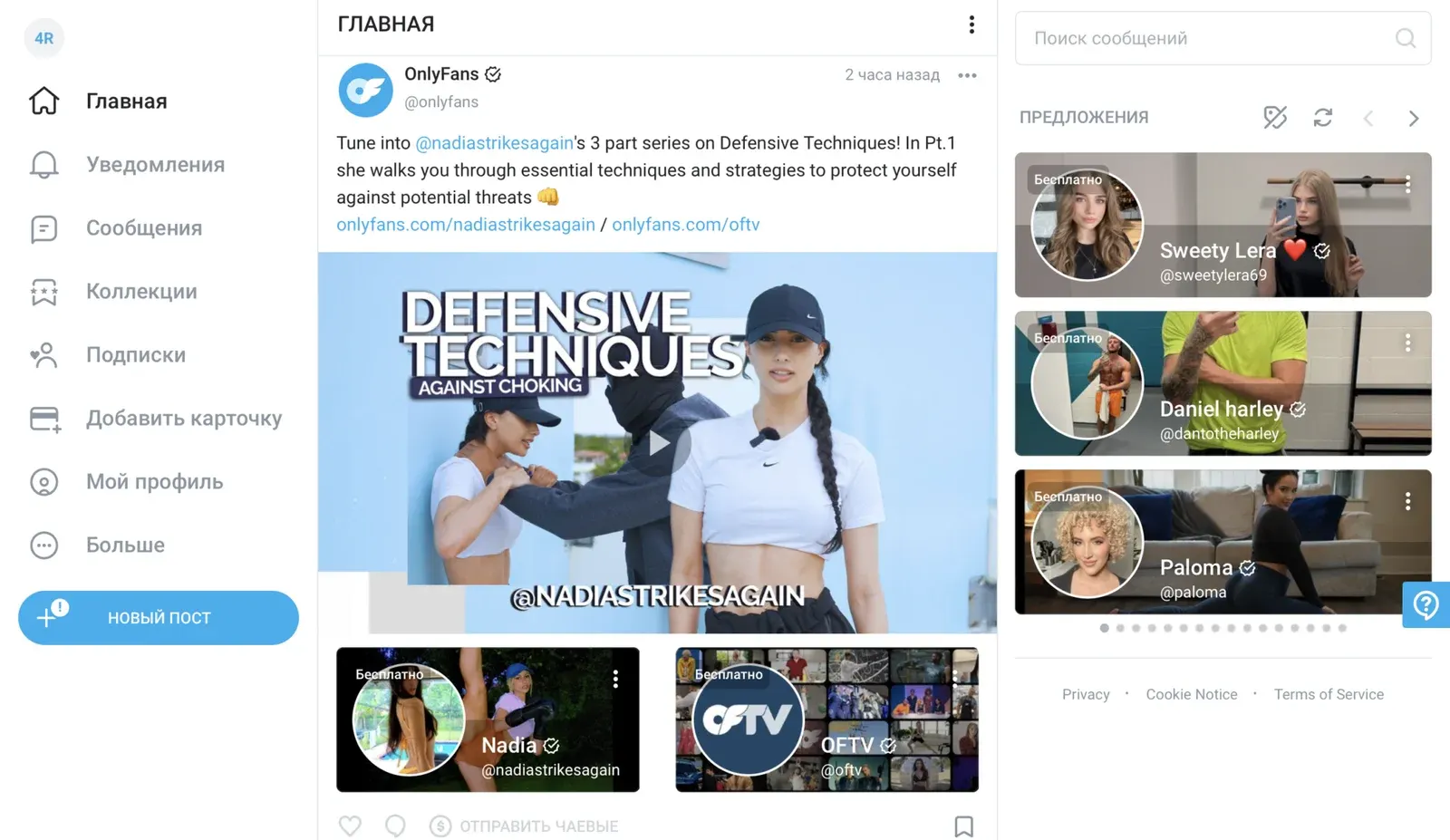
OnlyFans is one of the leading platforms for creators, and running an account well often means bringing in help. The two most common roles are chatters and posters. This guide explains who they are and how to give them access to your account.
Chatters and posters: who they are and what they do
A chatter is a specialist who talks to your subscribers. Typical tasks:
- Answering messages and comments
- Keeping the audience engaged
- Selling exclusive content and subscriptions
A poster handles publishing. Typical tasks:
- Planning and publishing posts
- Building a posting schedule
- Writing and formatting posts to keep the audience interested
Direct access to the account
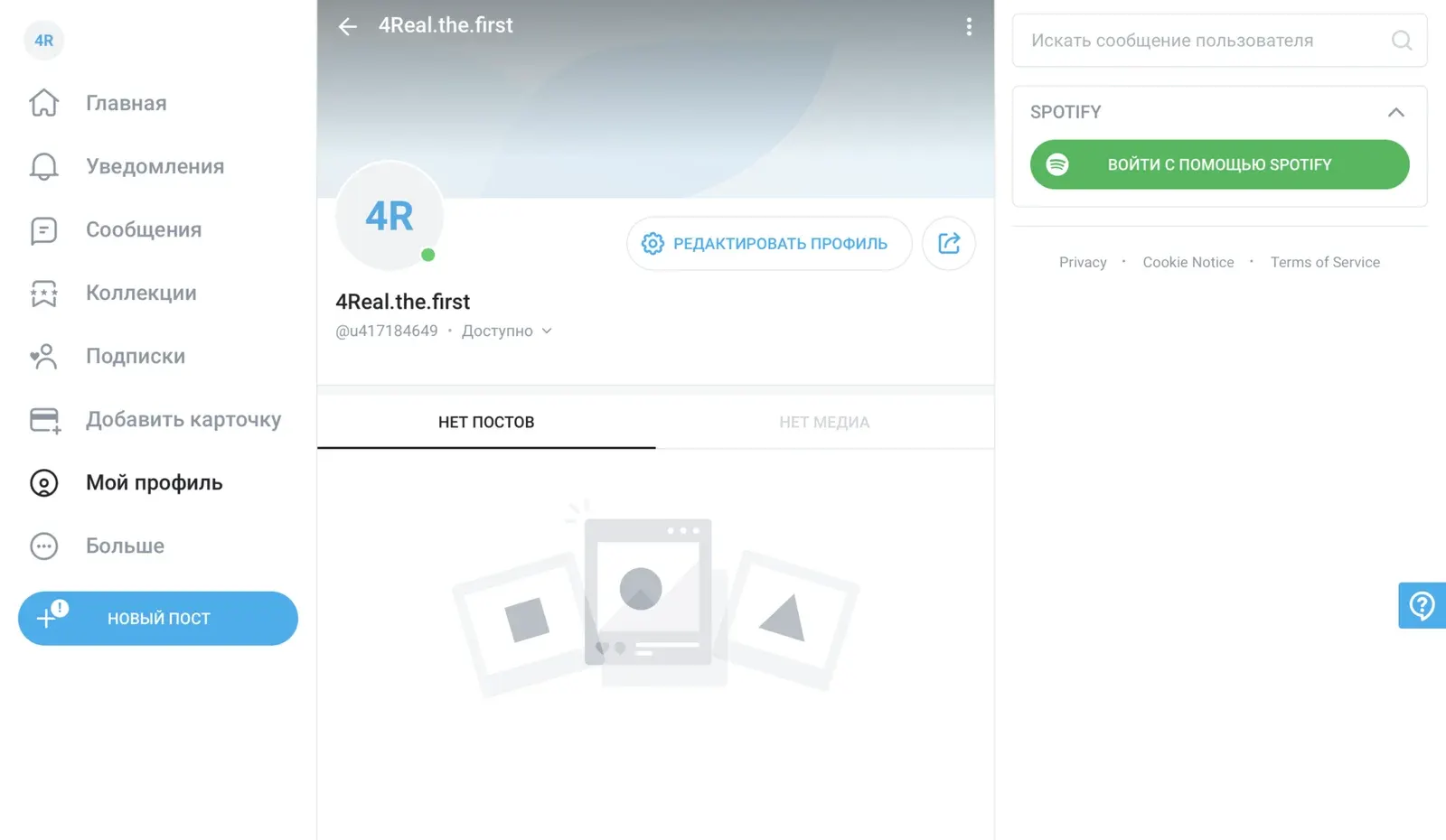
Pros:
- Simplicity: you just share a login and password
- Full access: the helper can use every feature of the account
Cons:
- Security: a high risk of your credentials being compromised
- No oversight: it is hard to track what the helper does
Access through third-party platforms
Dedicated platforms for access management and account work can make the process much easier. Here are three popular options.
Infloww
Official website: infloww
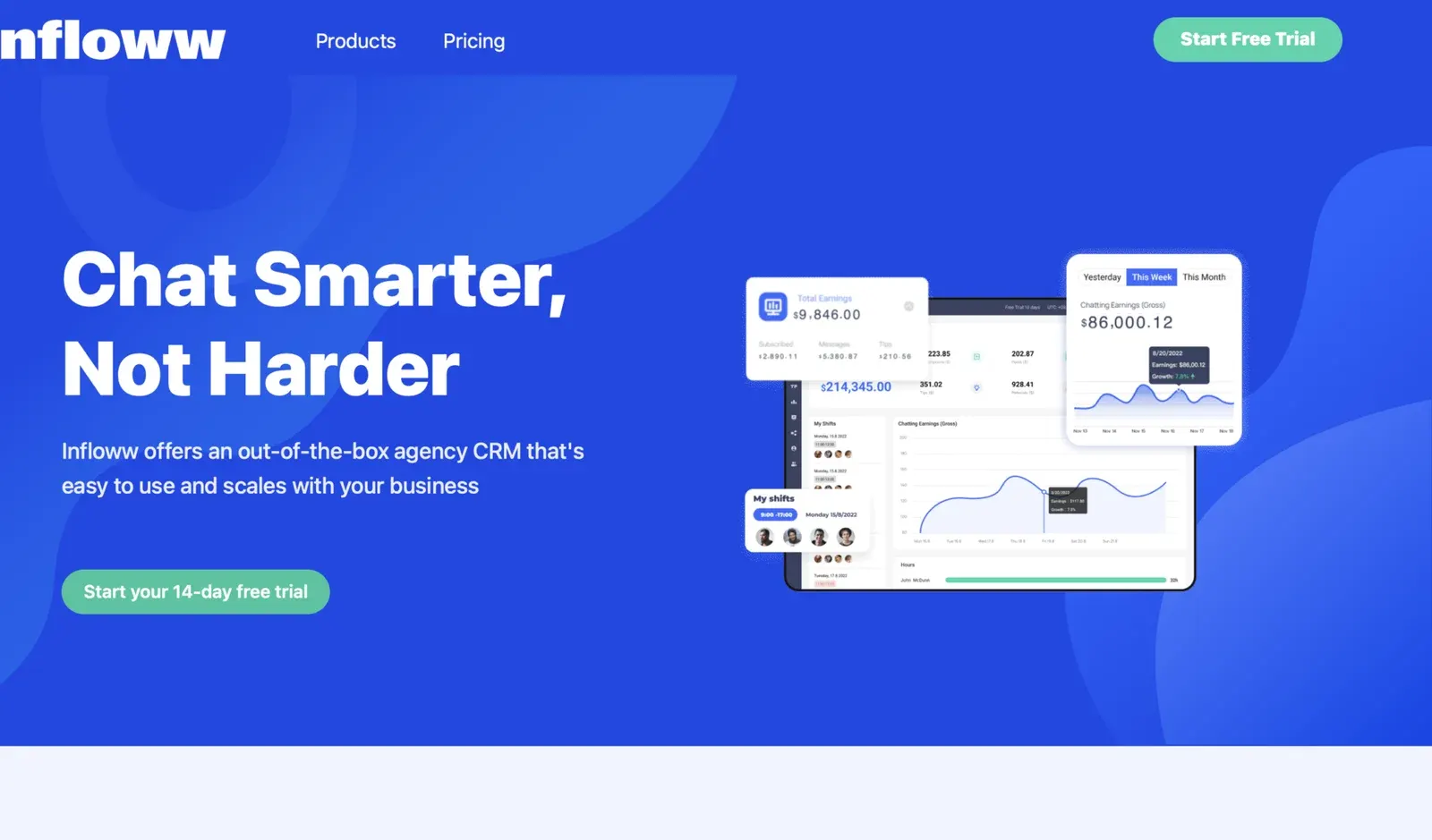
Infloww is a platform for managing content and analytics on OnlyFans. It automates publishing and lets you track how your content performs.
Pros:
- Automation: schedule your posts in advance
- Analytics: detailed reports on engagement with your content
Cons:
- Cost: it can be expensive for beginners
- Learning curve: it takes time to learn all the features
CreatorHero
Official website: creatorhero.com
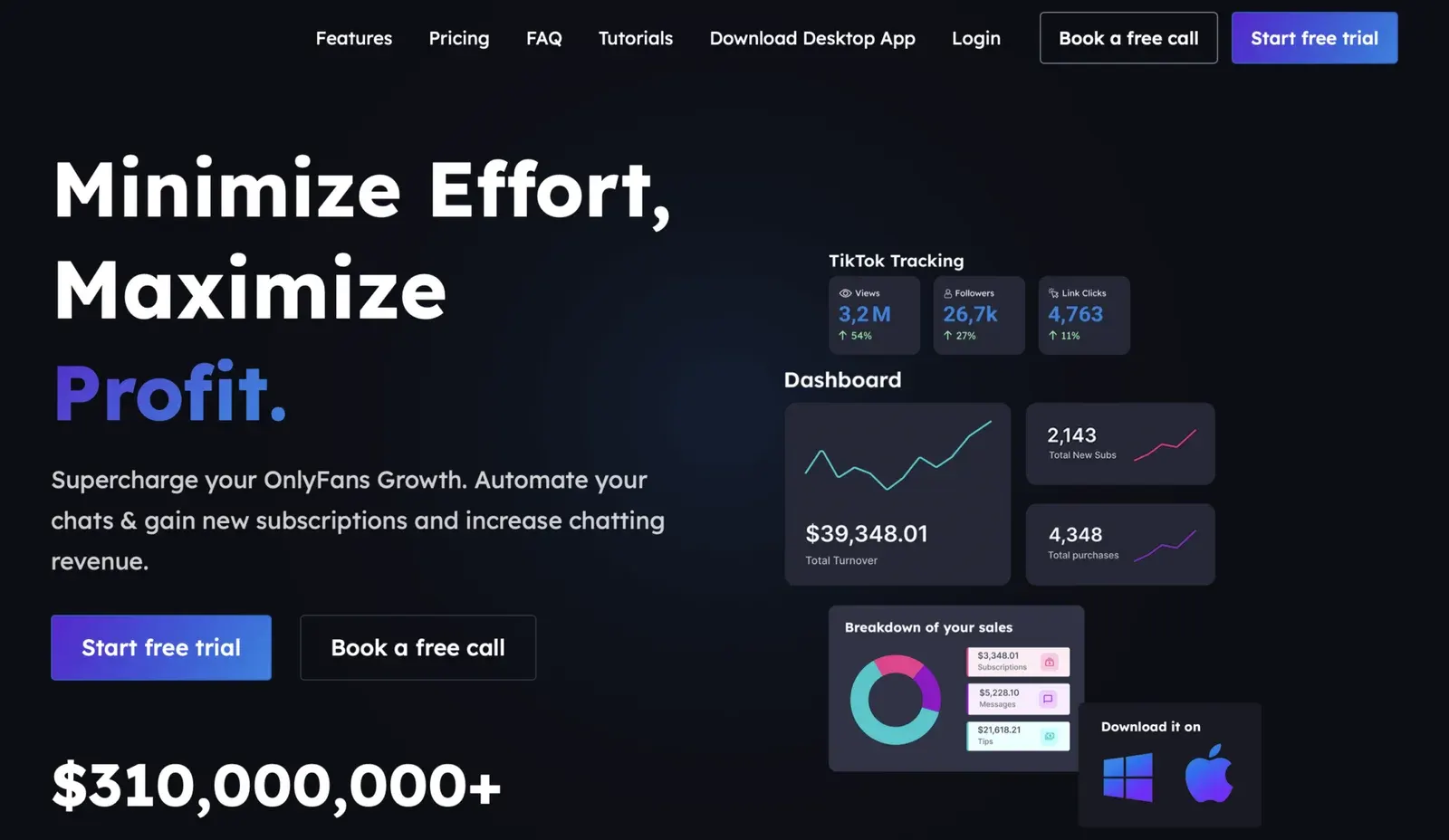
CreatorHero lets you manage several creator accounts, including OnlyFans, with secure access and analytics tools.
Pros:
- Security: access is granted without sharing passwords
- Multi-account: convenient for managing several accounts
Cons:
- Interface: it can feel complicated for new users
- Cost: paid features can get pricey
Dolphin Anty
Official website: dolphin-anty.com
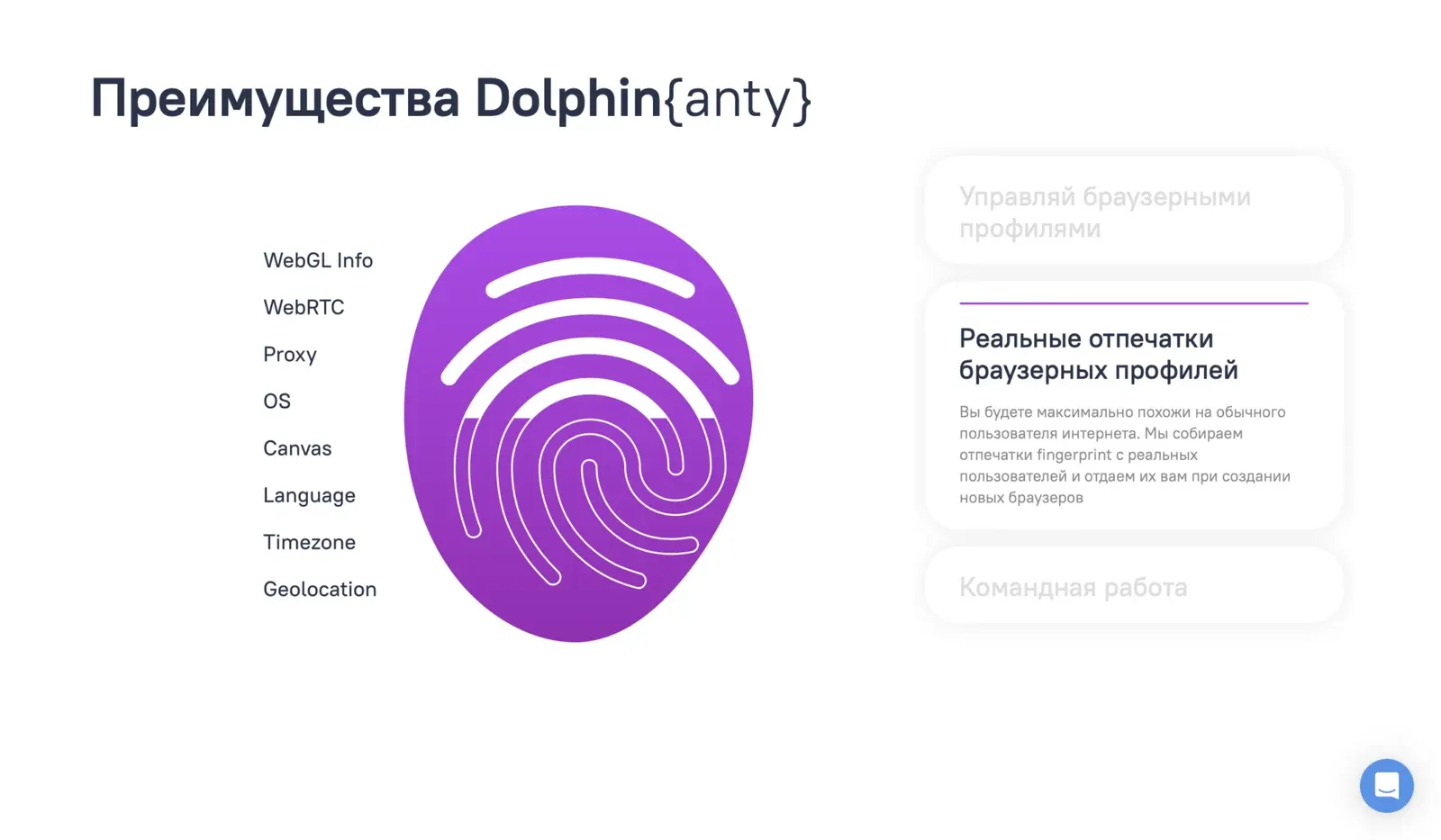
Dolphin Anty is an anti-detect browser that helps manage accounts on social networks and platforms, including OnlyFans. It keeps accounts in separate browser profiles to protect them.
Pros:
- Security: privacy and data protection
- Multi-account: handy when you work with many accounts
Cons:
- Complexity: setup and learning take time
- Cost: it can be pricey on a tight budget
Useful services
Several general-purpose tools can also help with the promotion side of running an account. Here are three.
Hootsuite
Official website: hootsuite.com
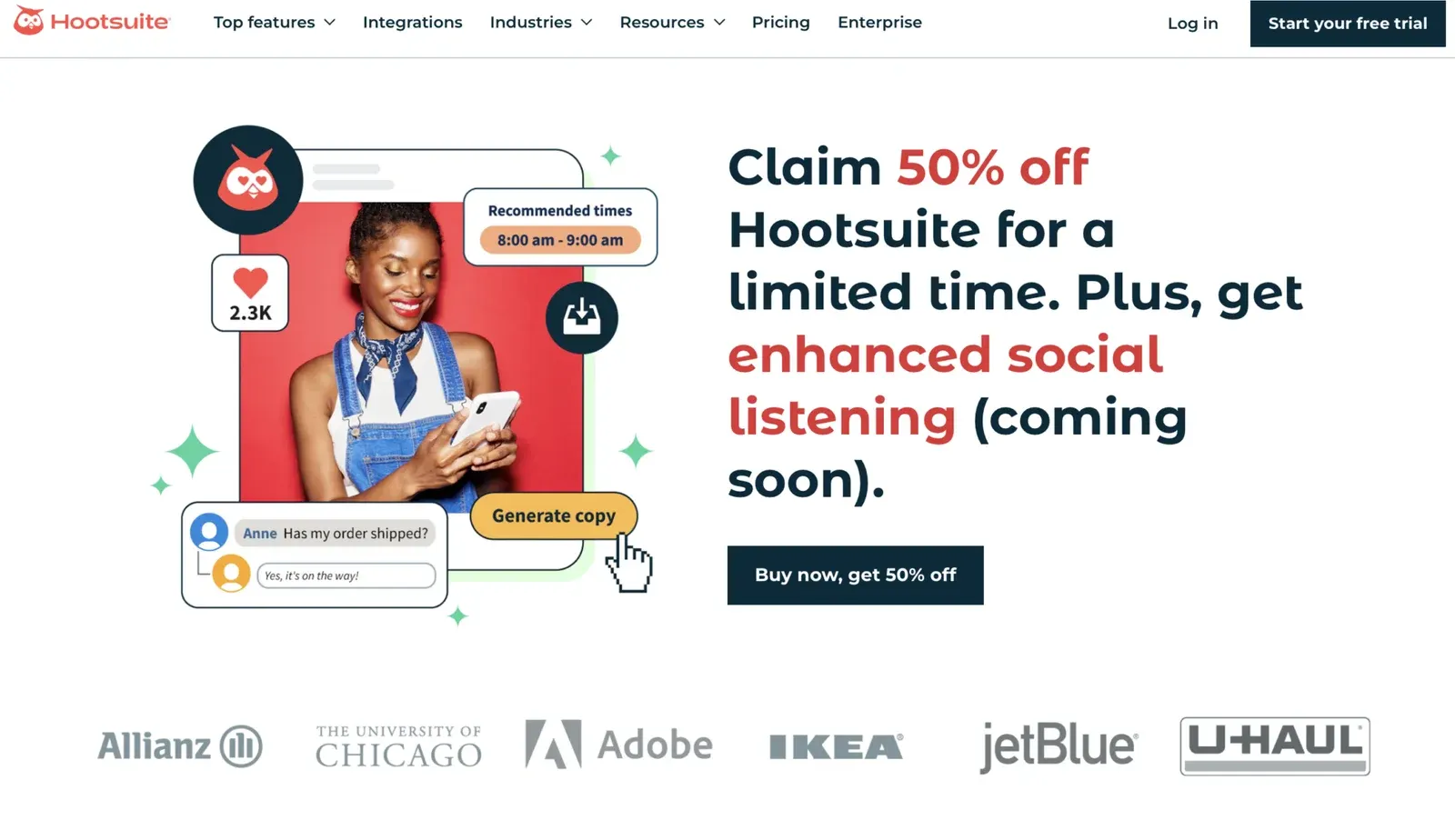
Hootsuite is a social media management platform for planning and publishing content on different networks from a single interface.
Pros:
- Convenience: all your social networks in one place
- Analytics: detailed engagement and performance reports
Cons:
Cost: paid plans can be expensive
Buffer
Official website: buffer.com
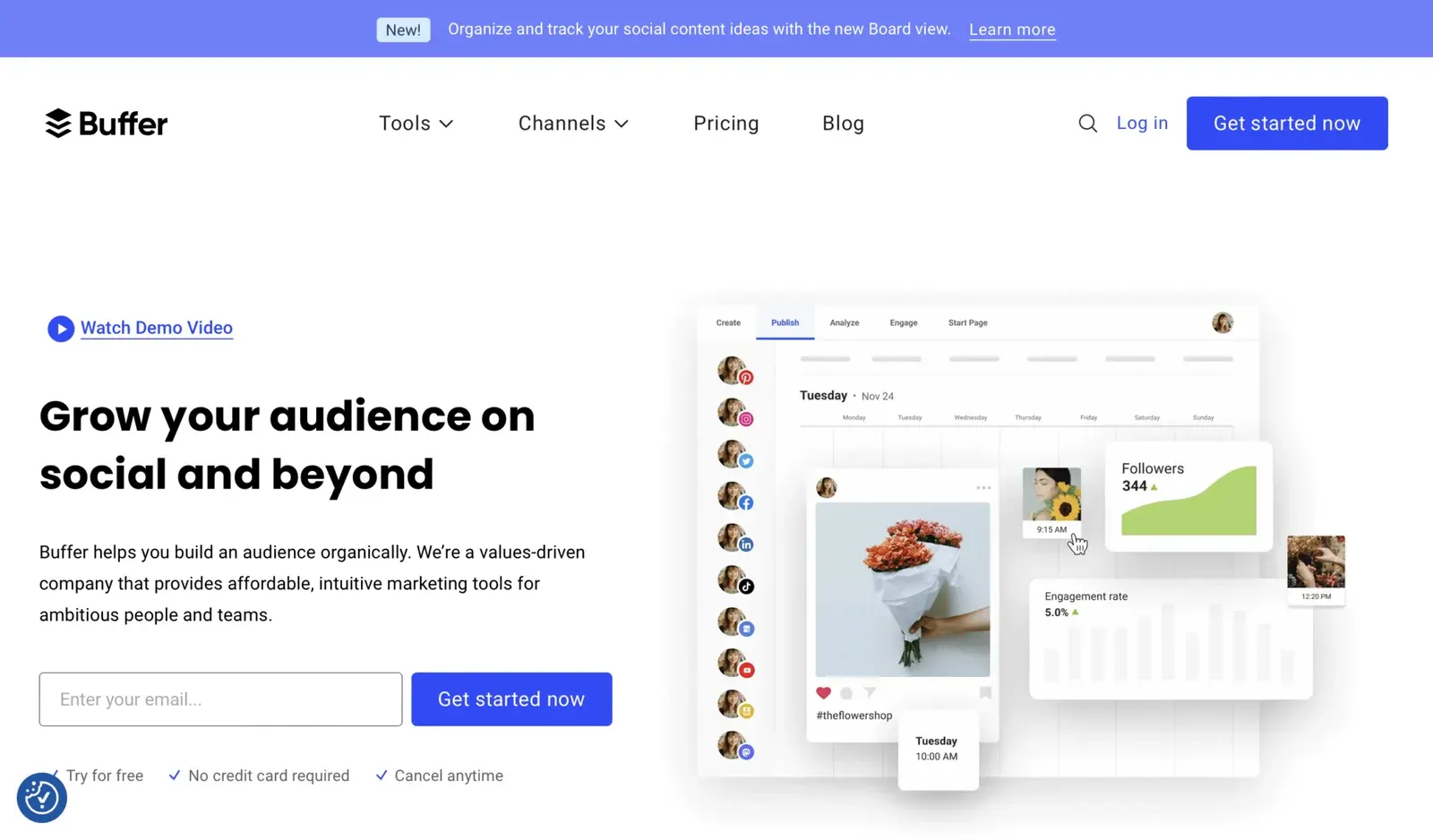
Buffer is a tool for scheduling posts and tracking analytics on social networks, so you can queue content and follow its results.
Pros:
- Simplicity: easy to use and beginner-friendly
- Integrations: works with most popular social networks
Cons:
It has fewer features than its competitors.
Sprout Social
Official website: sproutsocial.com
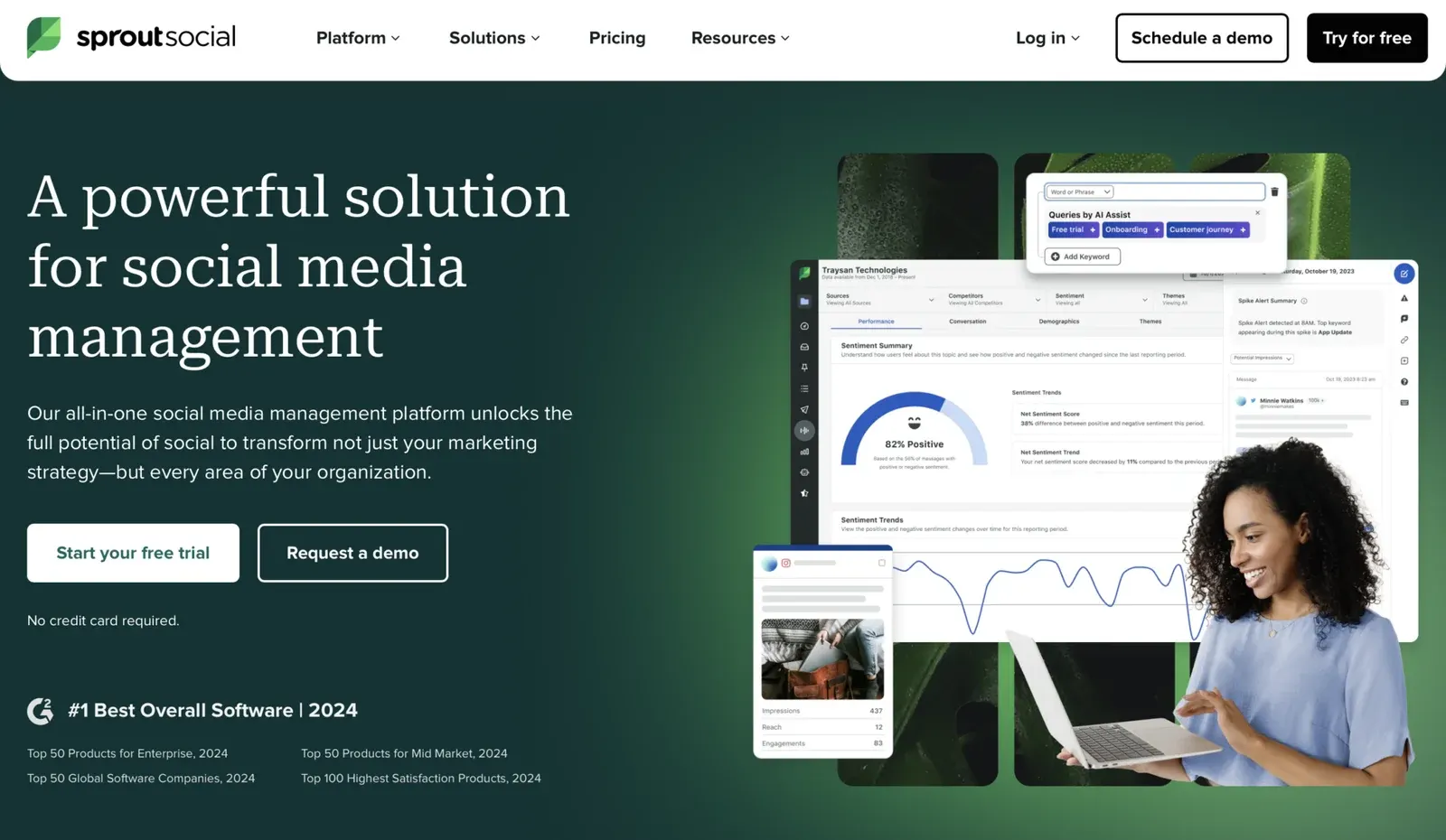
Sprout Social is a professional social media management platform with extensive analytics and management features.
Pros:
- Analytics: detailed and accurate reports
- Teamwork: convenient tools for managing accounts as a team
Cons:
The subscription is expensive.
Hiring a chatter or poster is an important step toward running a successful profile. Choosing the right way to grant access, and adding the right supporting tools, keeps the work both safe and efficient. Before sharing access, check the current platform terms and your team setup.
Platforms in this guide
- OnlyFansThe largest subscription platform: creators keep 80%
- InflowwChat CRM for OnlyFans, Fansly, MYM and Fanvue teams
- CreatorHeroOnlyFans CRM for agencies: chatters, mass messages, analytics
Frequently asked questions
What does an OnlyFans chatter do?
A chatter handles conversations with subscribers: answering messages, keeping people engaged and selling exclusive content and subscriptions on the creator's behalf.
Why hire a poster for an OnlyFans account?
A poster publishes content regularly and on schedule, which keeps the audience interested and saves the creator time.
Is it safe to share my OnlyFans login and password?
It is the riskiest option: your credentials can be compromised and it is hard to track what a helper does. Tools that grant access without sharing the password are the safer route.
Why use an anti-detect browser like Dolphin Anty with several accounts?
It keeps each account in a separate browser profile and protects your data, which helps avoid blocks and mix-ups between accounts.
How do I choose a platform for managing an OnlyFans account?
Match it to your needs: automation, analytics, access security and team features. Then compare prices for the number of accounts and team members you have.