How to Sign Up on OnlyFans and Become a Creator in 2026: Full Guide
A step-by-step guide to signing up on OnlyFans: creating an account, verification, switching to a creator account, the platform fee and similar services.

Important. Platform terms change. Before signing up, check the current rules, fees and payout availability for your country.
OnlyFans is a platform for content creators where users can offer exclusive material to their subscribers for a fee.
To start using OnlyFans you need to register. You will have to provide an email address, create a password and a username, and go through verification. You can also sign up with a Twitter or Google account.
Sign-up restrictions on OnlyFans
Although signing up is simple, the platform has a number of restrictions. You cannot register if:
- You are under 18.
- The law of your country, state or region prohibits entering a legal contract with this service.
- You refuse to provide data that confirms your age.
- You already have an active account, or an account you held was blocked for violating the terms or policy of the service.
Also make sure your country and ID type are supported in the OnlyFans help center before you start.
Creating an account
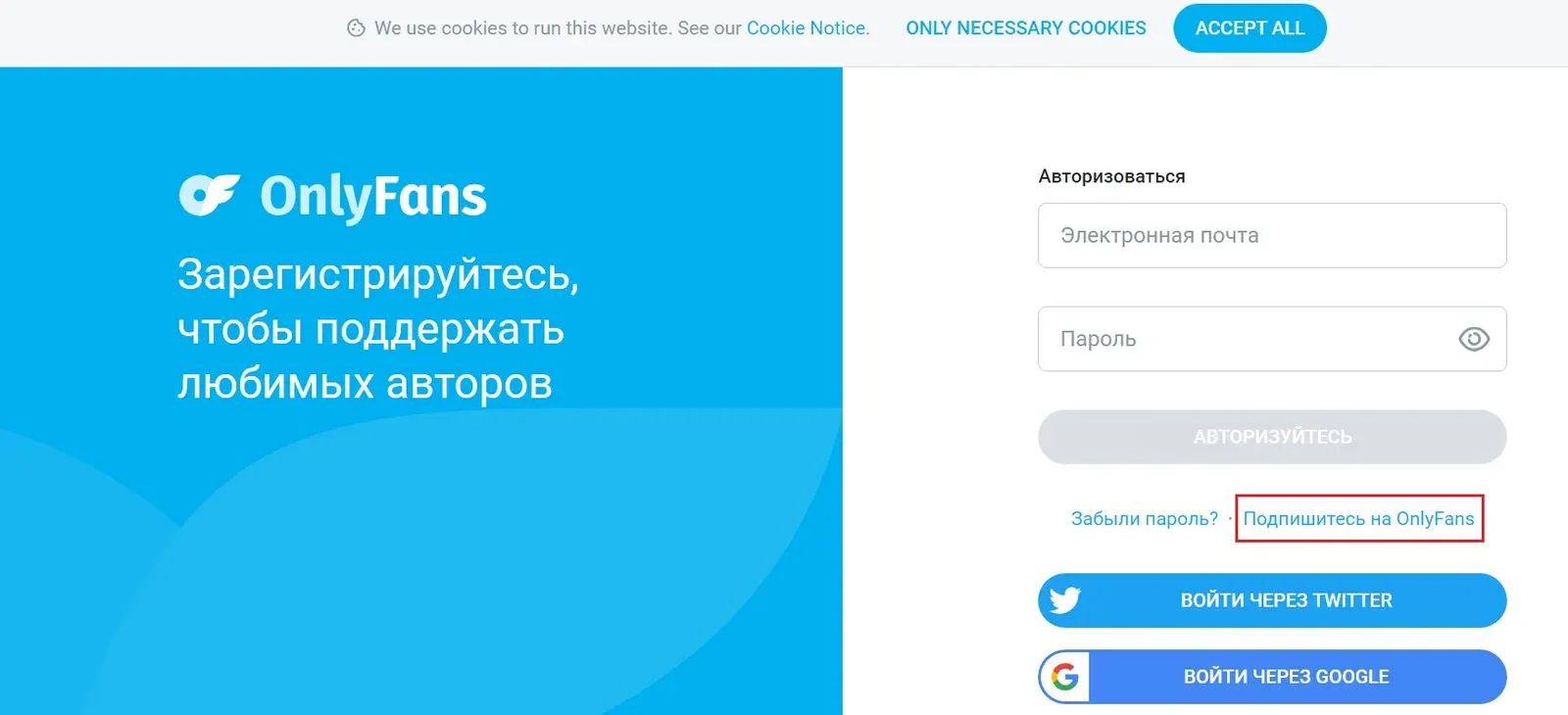
The OnlyFans website shows a sign-in window.
- Click the sign-up button. You can also use the quick sign-up buttons for Twitter or Google.
- Enter your email, a strong password and a name.
- Confirm your registration by following the link in the email sent to your address.
Filling in your profile and verification
- The "Edit profile" button opens an editor where you can change your photo and bio.
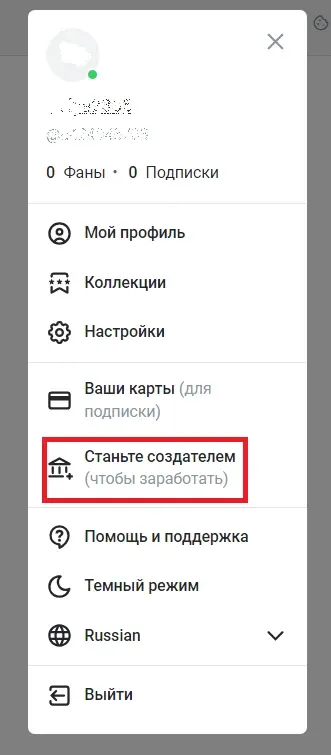
- Go to the "More" menu and choose "Become a creator". Complete the requirements for photo, cover and description.
- Fill in your details and tick the box to accept the terms of service.
- Use the QR code to open the page where you enter your ID details.
To pass verification, follow these rules:
- Images must not be edited, cropped or resized.
- All images must be in color.
- Documents must be photographed or scanned.
- All 4 corners of the document must be visible.
- Submit a valid government-issued ID. No part of the document may be edited, covered, trimmed or censored.
- Files must be .PNG or .JPG and no larger than 7 MB.
- The document must not expire within at least 30 days from the date you submit it.
Fan account
- To buy from a creator you need to add your bank card details and then subscribe to that creator's profile.
- All paid subscriptions renew automatically unless you turn off auto-renewal or your card is declined.
- If you cancel a subscription, you keep access to the creator's content until the paid period ends.
- You can top up your balance on the site in advance, but you cannot withdraw it back, so be careful.
- Besides paid products, free content is available.
Creator account
Only an individual can be a content creator. Even if you have an agent or a management company, the contract is made between the creator and the site. Every creator is personally bound by the terms of service.
OnlyFans charges a 20% fee on every transaction.
Your content is not confidential. By accepting the terms of the user agreement, you allow subscribers to access and view your posts for personal use.
Important: the creator is fully responsible for the content they publish and for its match with the stated description. If any material damages the company's reputation or causes losses, the creator is liable and must cover the damage.
Switching account type and verifying
To verify your account:
- On your account page, upload a valid ID and two photos that meet the requirements.
- In the account settings, add your bank details.
- Set up your payout options.
Note: OnlyFans may ask for additional information, and an application can be rejected for any reason.
Setting up and running your profile
After you pass verification and finish the basic profile setup, you can start posting content.
- Set the price of your subscription.
- Add content so that users can subscribe to your account and become your fans.
If you lose access to your account, you will need access to the email address used at registration. If you no longer have it, the account can be recovered with documents that confirm your identity.
Useful alternatives
Fansly
Official site: fansly.com
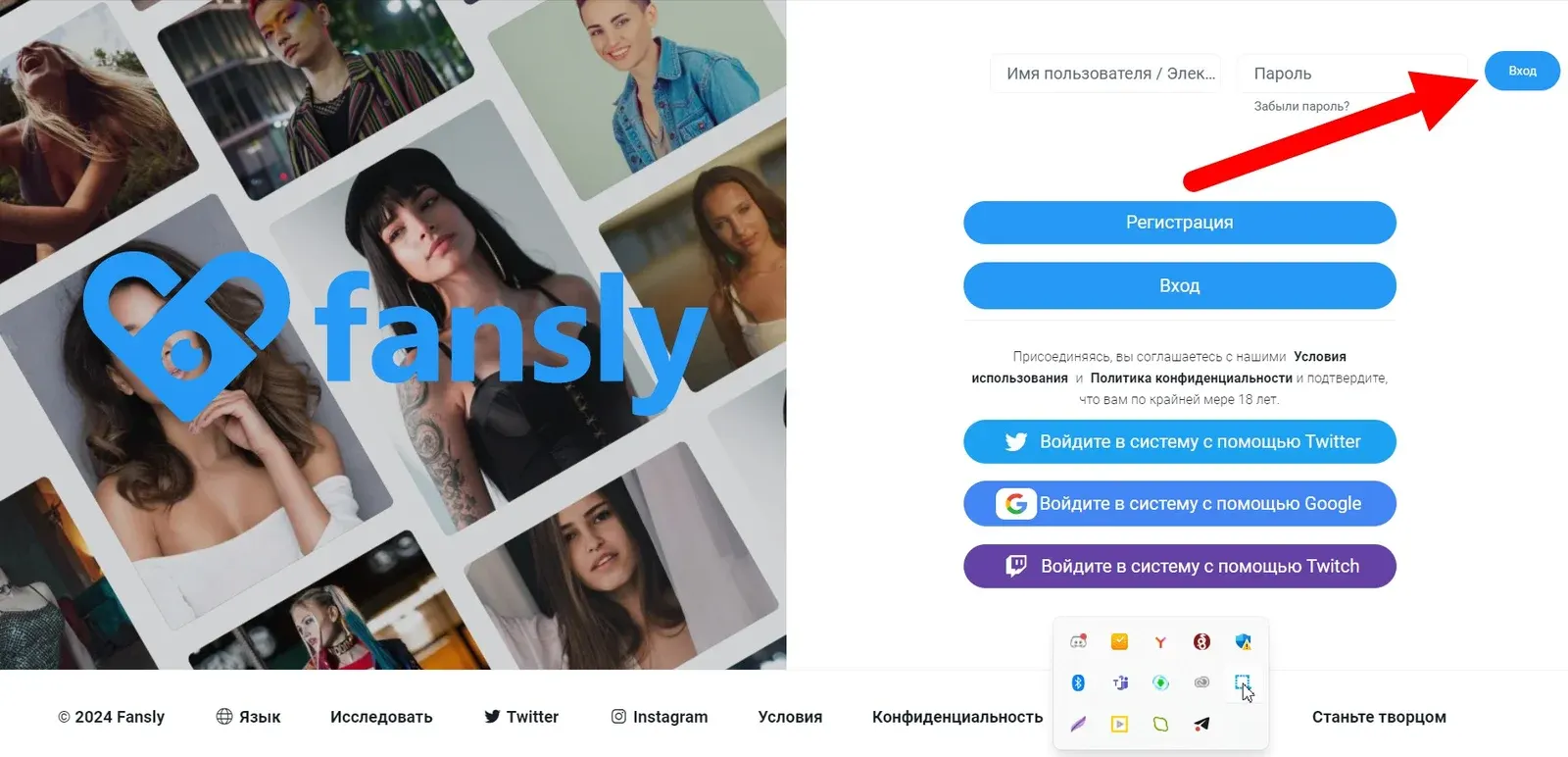
A service similar to OnlyFans for selling 18+ content. The site fee is also 20%. It offers several subscription tiers at different prices.
Patreon
Official site: patreon.com

Patreon is not focused on one type of content, and any creative format is allowed. The site fee is around 5%; check current plans on the site. It is not a specialized platform, but 18+ content makes up a noticeable part of it.
TON Place
Official site: ton.place
TON Place is a platform for adult content with a Russian-speaking audience. Unlike similar services, newcomers and experienced creators have equal chances of being promoted there.
Platforms in this guide
Frequently asked questions
How do I sign up on OnlyFans?
Click the sign-up button, enter your email, password and name (or use Twitter or Google), then confirm your email through the link you receive. To become a creator you also need to verify an ID document.
Is my country supported for OnlyFans creators?
Creator availability and accepted ID types depend on the country, so check the OnlyFans help center before you start. Sanctions and local laws can also restrict registration in some countries.
How much does OnlyFans charge?
The platform takes a 20% fee on every transaction. Fansly charges the same, while Patreon is noticeably lower.
Does OnlyFans have geo-blocking?
Yes. A creator can hide a country or city so that fans from that area cannot see the profile or content. The feature is meant to protect creators.
Is there a free trial on OnlyFans?
There is no standard trial period. Each creator decides whether to offer free access to their content.
How do I delete my OnlyFans profile?
Open Settings, go to Account and choose Delete account. Then complete the captcha and confirm the deletion.