OnlyFans Search: The Best Search Engines and Directories
OnlyFans' built-in search is limited, so here are the third-party search engines and directories: how they differ, what filters they offer and how they work.


Important. Platform terms change. Before signing up, check the current rules, fees and payout availability for your country.
OnlyFans lets creators monetize content by sharing it with subscribers. Unlike Patreon, it accepts a wide range of photo and video content, including sports, music and 18+ material.
Many users complain about the OnlyFans interface and its limited built-in search, which makes life harder for both creators and fans who want to find a particular creator. This article covers alternative ways to search for OnlyFans creators.
How OnlyFans search engines work
An OnlyFans search engine has a fairly simple architecture: a crawler that finds and collects information from sites, an indexer that makes search fast, and the search interface people actually use.
Search tools for OnlyFans
Official site: google.com
The familiar general-purpose search engine. You can look for creators:
- by name;
- by photo (upload an image using the camera icon in the search bar).
OnlyFinder
Official site: onlyfinder.com
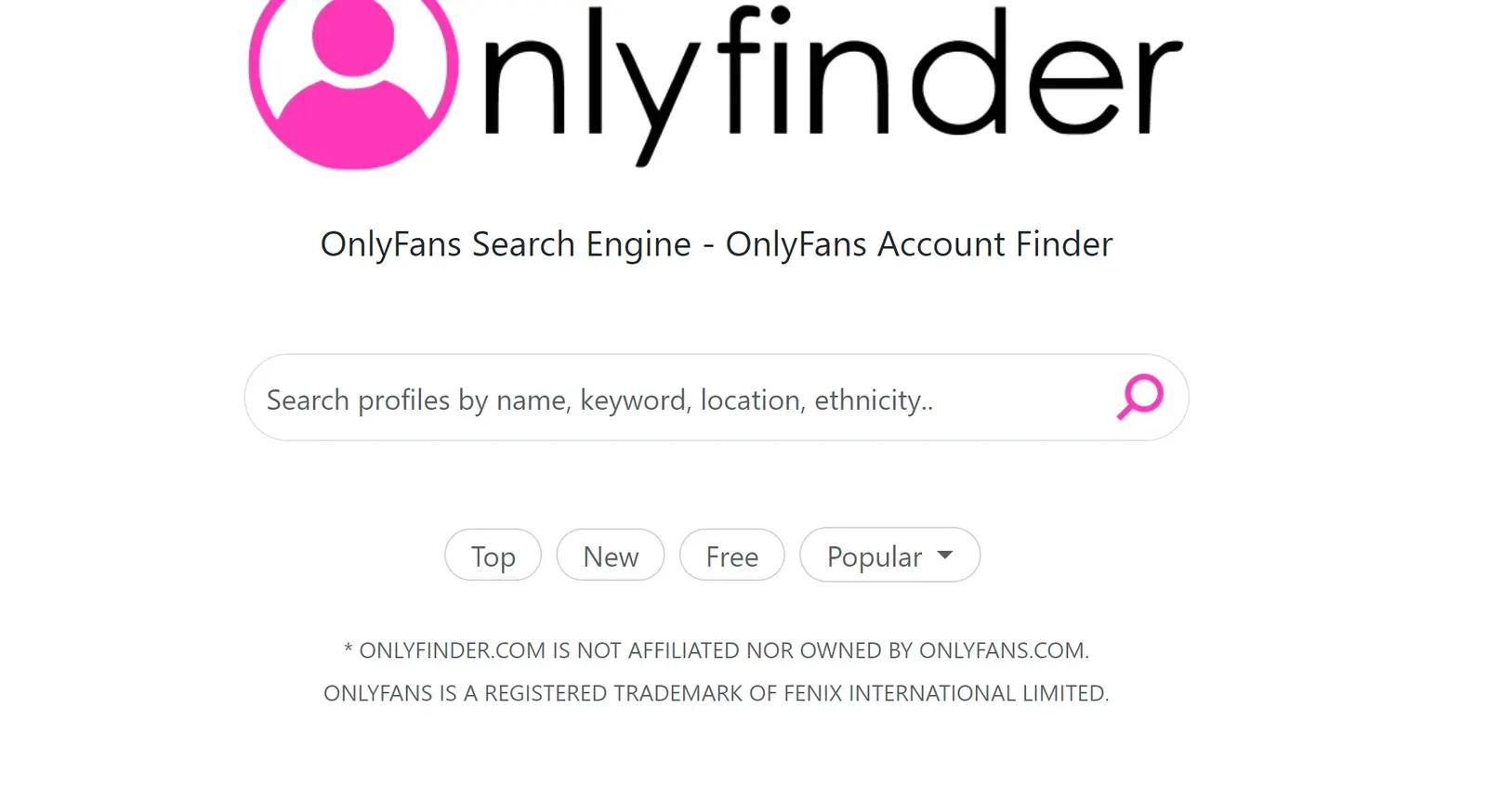
A platform for finding profiles by name, keywords, location and other attributes. The page has sections for new profiles (added this month), free content and the most popular accounts (monthly and yearly rankings). There is also a split by country and city. You can subscribe to a newsletter to get monthly rankings in your favorite categories by email.
Users note some moderation issues and say it can be hard to reach support, even for urgent questions.
OnlySearch
Official site: onlysearch.co
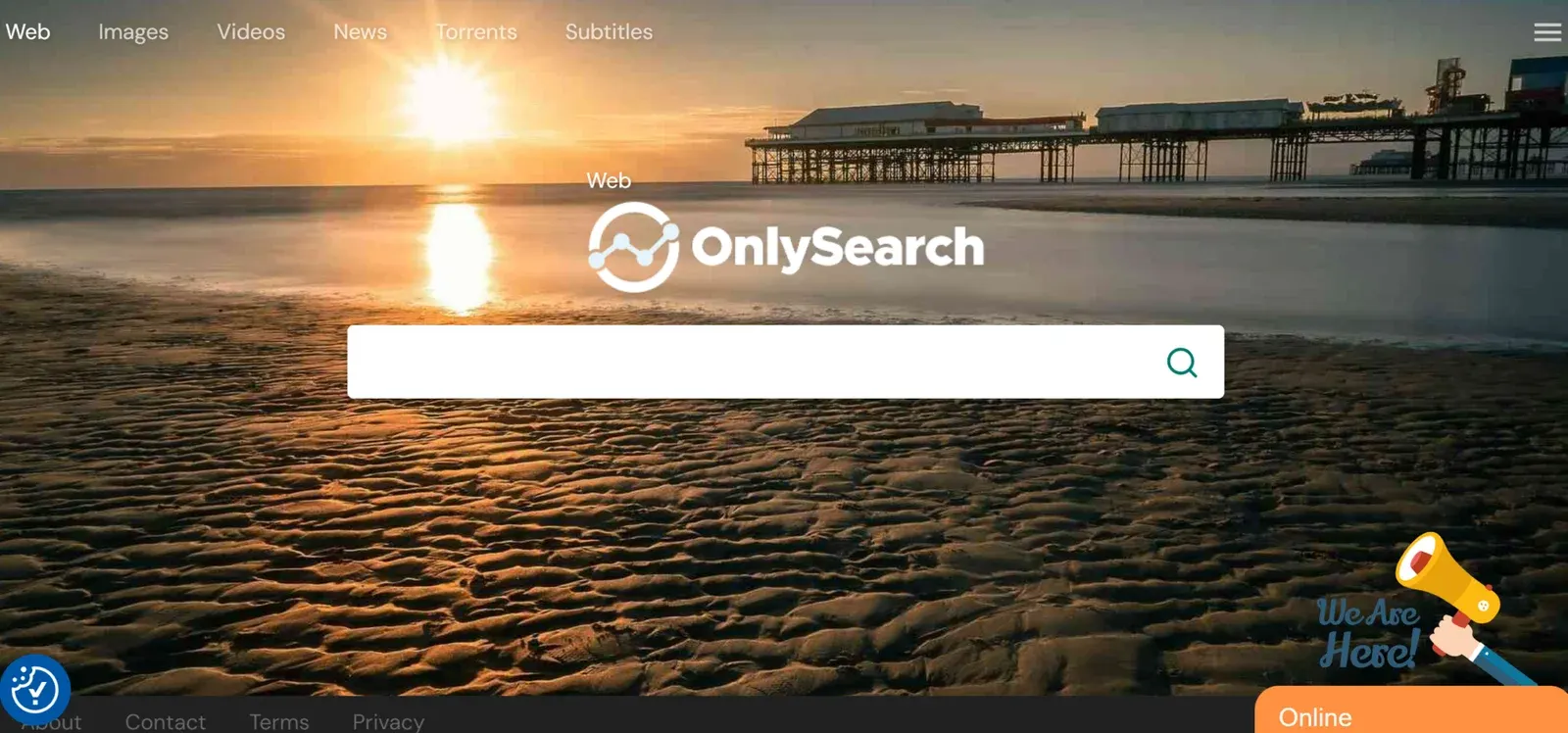
The home page is minimal: a search bar in the center and tabs at the top for Web, Images, Videos, News, Torrents and Texts. The service lets fans get in touch with owners of OnlyFans accounts.
It works in two languages, English and Arabic, and ranks fairly high among the search tools in this list.
Fansmetrics
Official site: fansmetrics.com
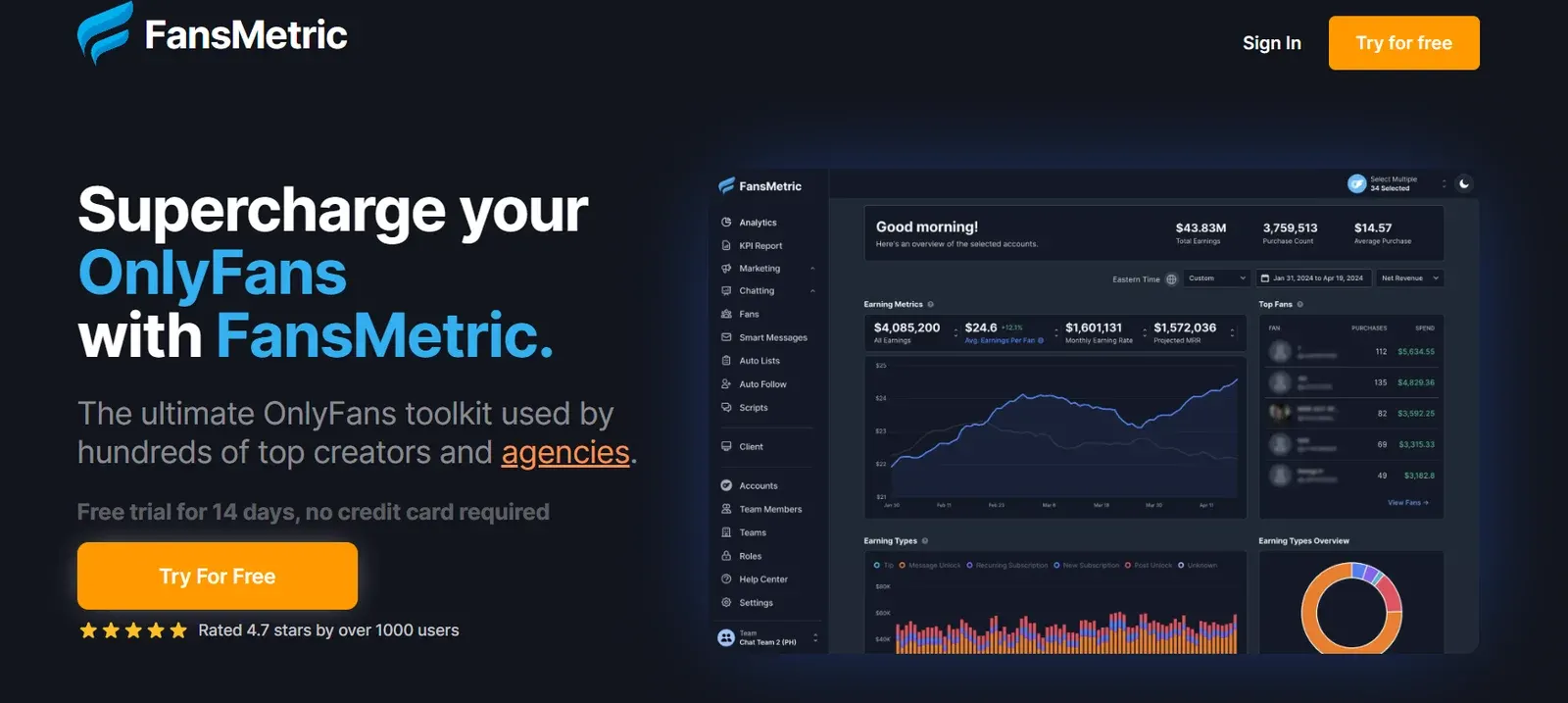
Fansmetrics lets fans learn more about creators and content sellers and search for creators by location. The site uses an SSL certificate.
Promoting your profile is easy: click the "Promote" button, enter your email and your OnlyFans link, and you are taken to a pricing page where you choose a package. After payment you can see the traffic and subscribers coming to your page.
Ranking-fans
Official site: ranking-fans.com
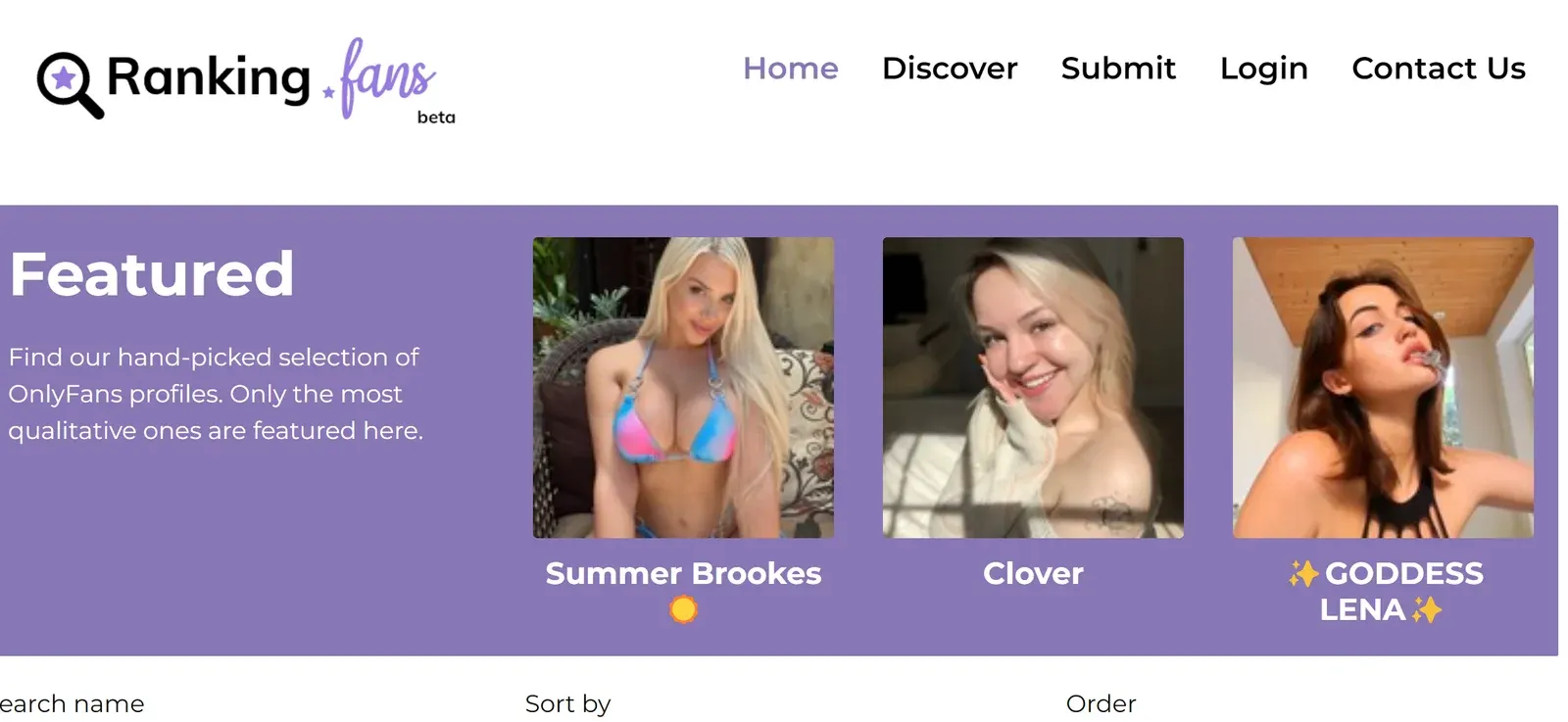
In design it is much like the services above, in purple and black tones. The database is large, with thousands of profiles you can rate and comment on. Navigation is simple, so a search takes just a few clicks.
The database is updated constantly and user suggestions are taken into account. You can subscribe to the email newsletter to receive interesting profiles in your inbox.
Hubite
Official site: hubite.com
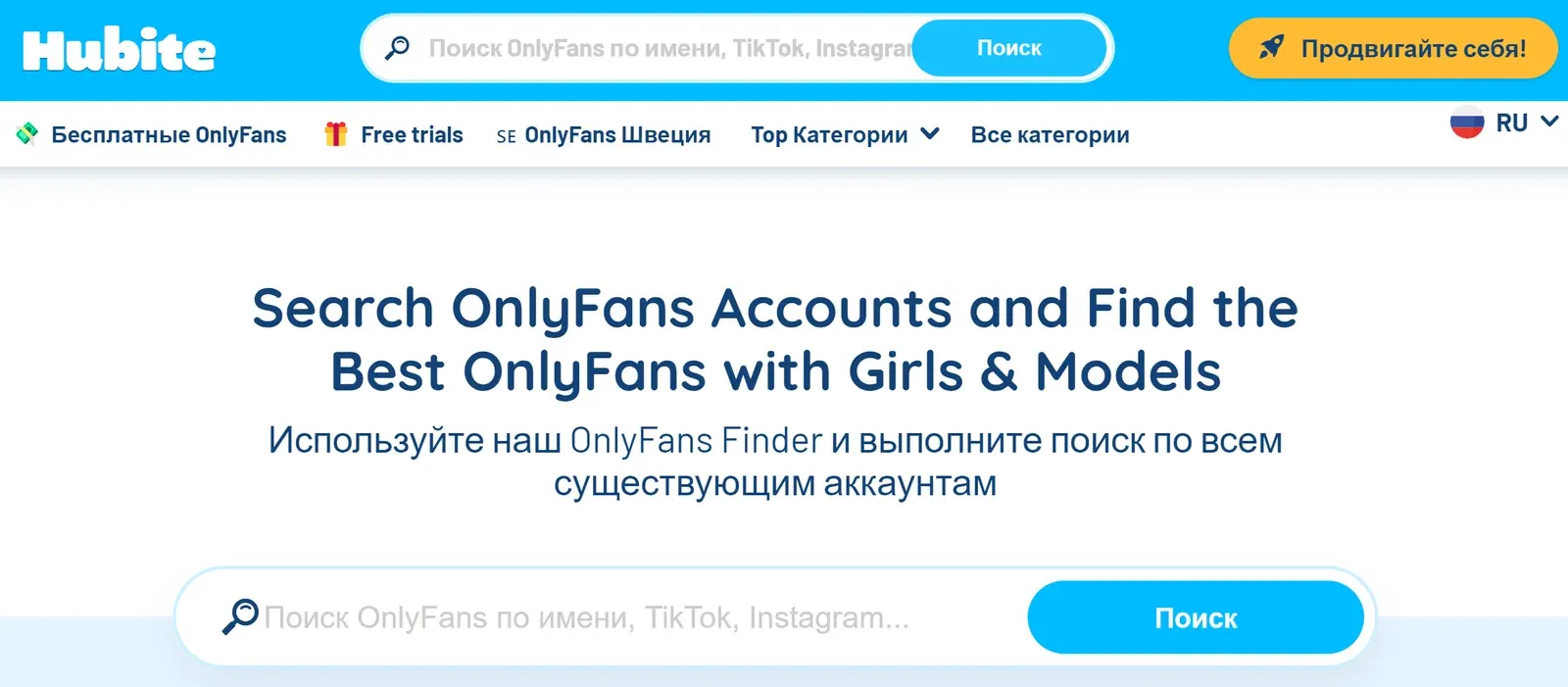
A tidy, convenient search tool with clear navigation that helps you find a particular OnlyFans account and get in touch with the creator. The design is modern and bright, and the home page shows everything you need, including the control buttons.
Search can be tuned by country and other parameters, such as Latina, celebrities or goth. It is free for users, but registration (email, username and password) is required.
Onlyaccounts.io
Official site: onlyaccounts.io
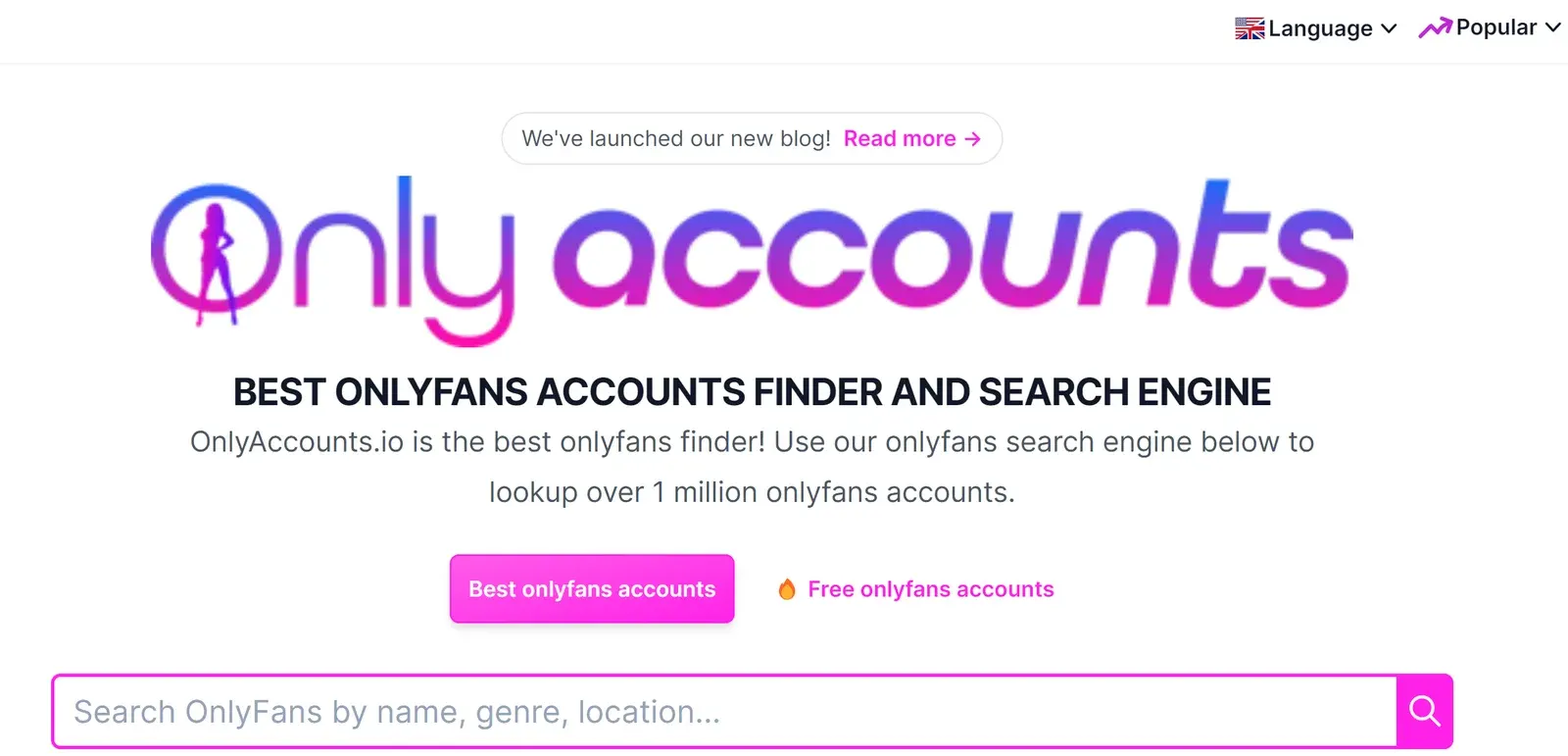
One of the more reliable ways to search OnlyFans. The service lets you search a database of more than a million OnlyFans accounts. Matching profiles appear on the home page with photos and short descriptions, and a drop-down menu lists the best creators by category, such as the best brunette of the month.
The site works in several languages.
Comparison table
| Service | Type | Price |
| Search engine | Free | |
| OnlyFinder | Search engine | Free |
| OnlySearch | Search engine | Free |
| Fansmetrics | Search engine | Free |
| Ranking-fans | Search engine | Free |
| Hubite | Search engine | Free |
| Onlyaccounts.io | Search engine | Free |
A note on privacy
These directories only list public profile information. If you are a creator, check each directory's rules on how to add, update or remove your profile, and keep in mind that anything you publish publicly can be indexed.
Platforms in this guide
- OnlyFansThe largest subscription platform: creators keep 80%
- FansMetricCRM, AI chatter and API for OnlyFans and Fansly agencies
Frequently asked questions
How do you find someone on OnlyFans?
OnlyFans' built-in search is limited, so people use Google (search by name or photo) and directories such as OnlyFinder, Hubite and Onlyaccounts.io.
Can you search OnlyFans by photo?
The platform itself does not offer it, but you can upload a photo to Google and see which pages it appears on.
Which sites help you search for OnlyFans creators?
OnlyFinder, OnlySearch, Fansmetrics, Ranking-fans, Hubite and Onlyaccounts.io. All are free for users, though some require registration.
Can you search OnlyFans creators by country or category?
Yes. Directories like OnlyFinder and Hubite let you filter profiles by country, city and category, and Onlyaccounts.io lists top creators by category.
How can a creator get listed in OnlyFans directories?
Fansmetrics, for example, offers paid promotion: you enter your email and profile link and choose a package. Check each other directory's site for its listing rules.