Paxum Payment System: Accounts, Fees and Limits
A detailed look at Paxum: personal and business accounts, the prepaid card, fees, limits, the mobile app, and the main pros and cons.

Important. Platform terms change. Before signing up, check the current rules, fees and payout availability for your country.
Paxum is a Canadian payment system that keeps growing in popularity. It lets you open accounts, pay in online stores and make other financial transactions. This article is a detailed review of the Paxum payment system.
Features
Official website: paxum.com
With Paxum, individuals can receive and send money transfers and withdraw funds through the Paxum Prepaid Card.
Business customers get these advantages:
- Bulk bank transfers to recipients around the world and bulk EFT transfers;
- Lower payout costs;
- Competitive pricing.
Over the last few years Paxum has built strong relationships with webcam platforms. Because incoming and outgoing payments are managed on a single platform, payment times have dropped noticeably. There are no registration fees or monthly payments, and no minimum balance is required.
The interface is simple. You manage the account directly in the browser, with no extra software to install.
The personalized card can be used to pay in hotels and shops, and a PayPal account can be linked to it. If a purchase is made in a currency other than dollars, the funds are converted automatically.
- Annual maintenance: $44.95.
- Withdrawal to a Paxum WebCamCash card: a flat $5 fee.
- Transfer from another e-wallet to a Paxum card: $0.25 fee.
- Transfers to a bank account carry a percentage fee, so check the current fee table in your account.
Checking Account is the standard wallet. The maximum daily transfer is $10,000. There is no limit on the amount you can hold, so you can keep hundreds of thousands of dollars.
MasterCard Account is used to withdraw money and transfer it to MasterCard bank cards.
Transfers are made in US dollars regardless of where the wallet owner lives. Funds usually arrive within 5 days, but in some cases it can take up to 7 days.
Interface language
The website is multilingual: Russian, English, Spanish, French, Italian, Portuguese, Romanian and Ukrainian.
Account types
Customers can choose between 2 account types (personal and business) and several kinds of accounts.
Personal account
A personal account suits individuals.
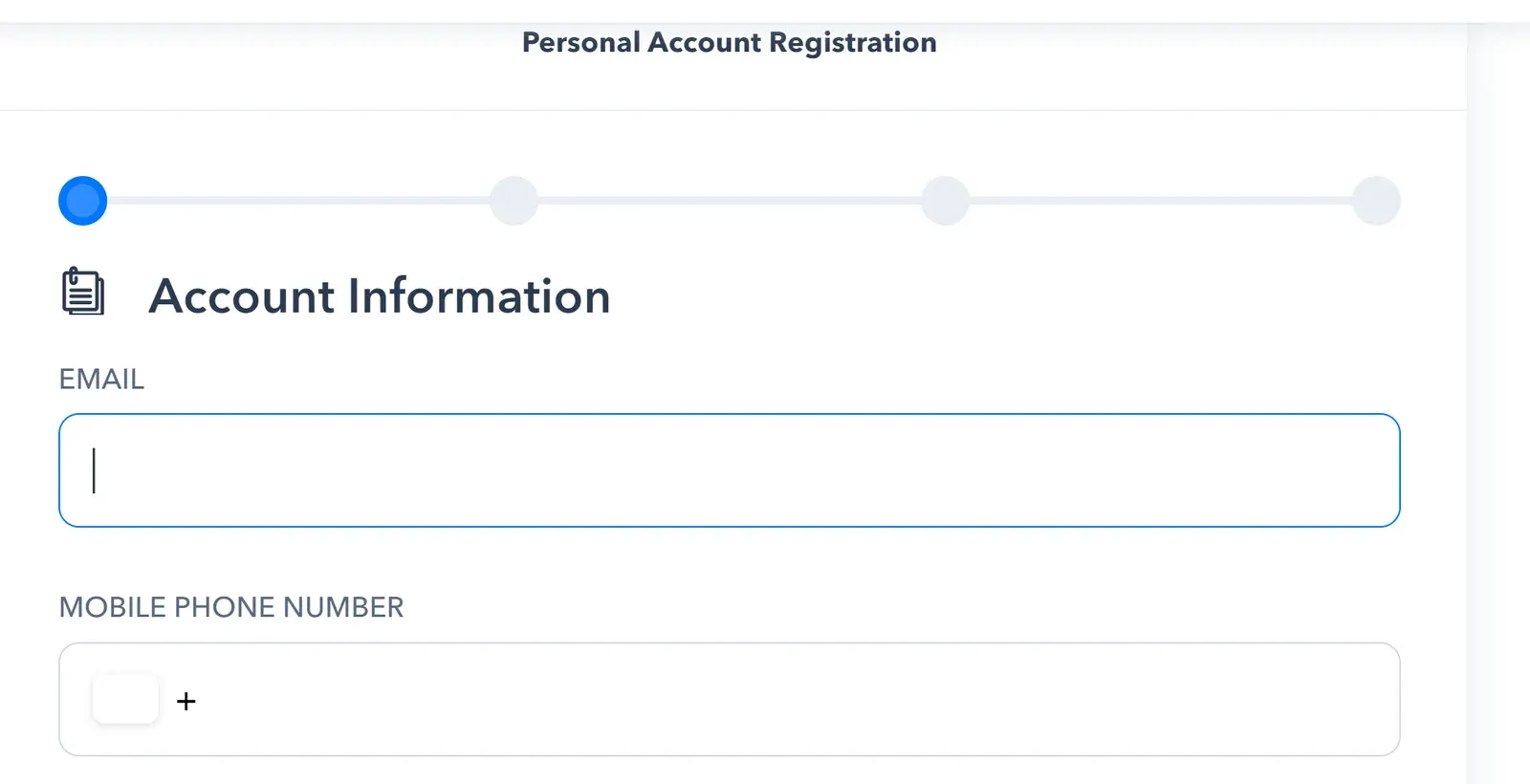
The registration form asks for an email address, a mobile phone number, your address (city, region, country), a postal code and a password of at least 8 characters.
Business account
Business accounts are intended for companies that make bulk payments to employees, branches, freelancers and workers around the world, and for those who receive payments for products or services.
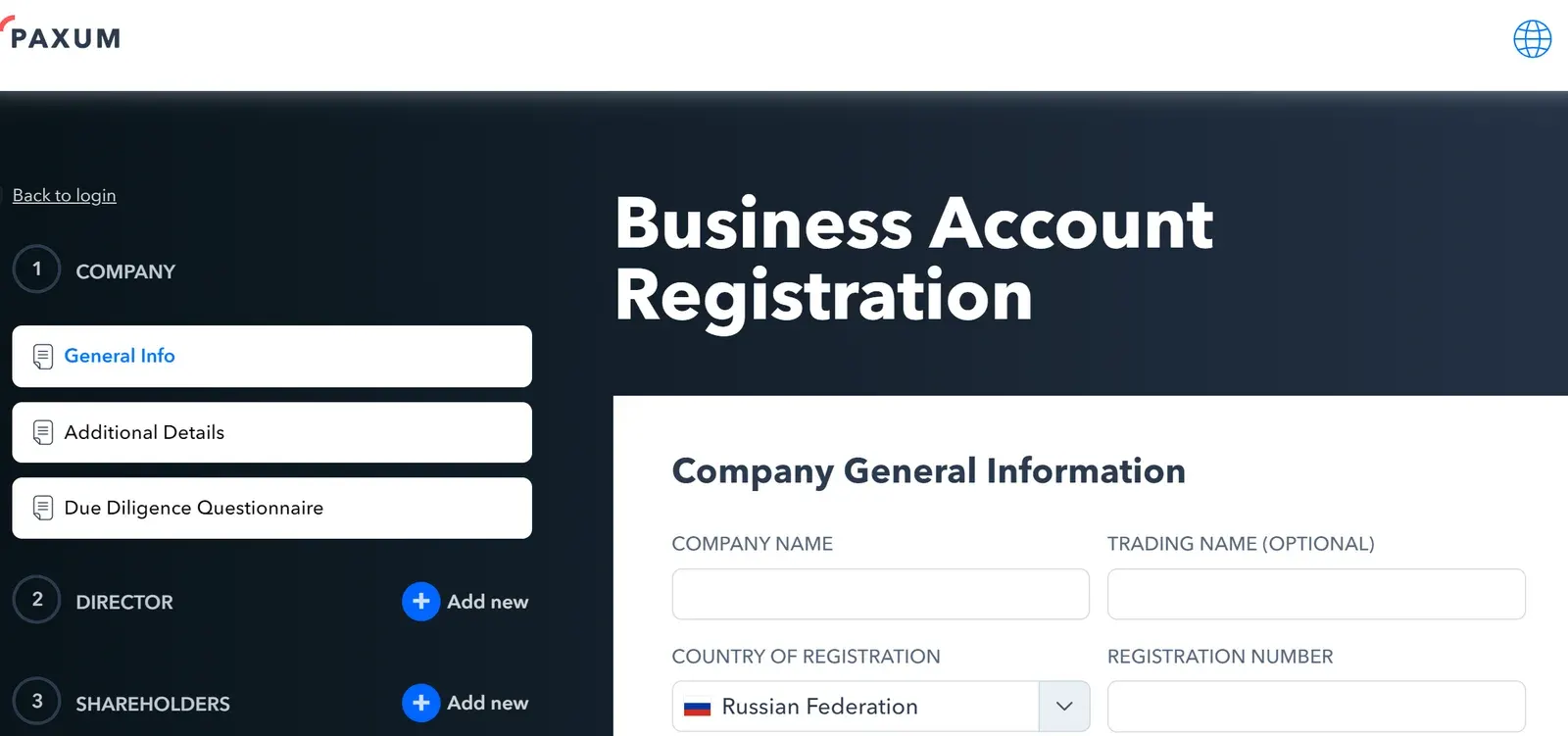
The registration form asks for company details and personal data:
- Tax ID number,
- Tax residency,
- Country of citizenship,
- Line of business,
- Expected monthly amounts for withdrawals and incoming payments, source of income, websites from which the account owner receives payments, the purpose of the account, and the services provided or products sold.
Additional information may be requested about the use of other payment systems and other personal details.
Service features
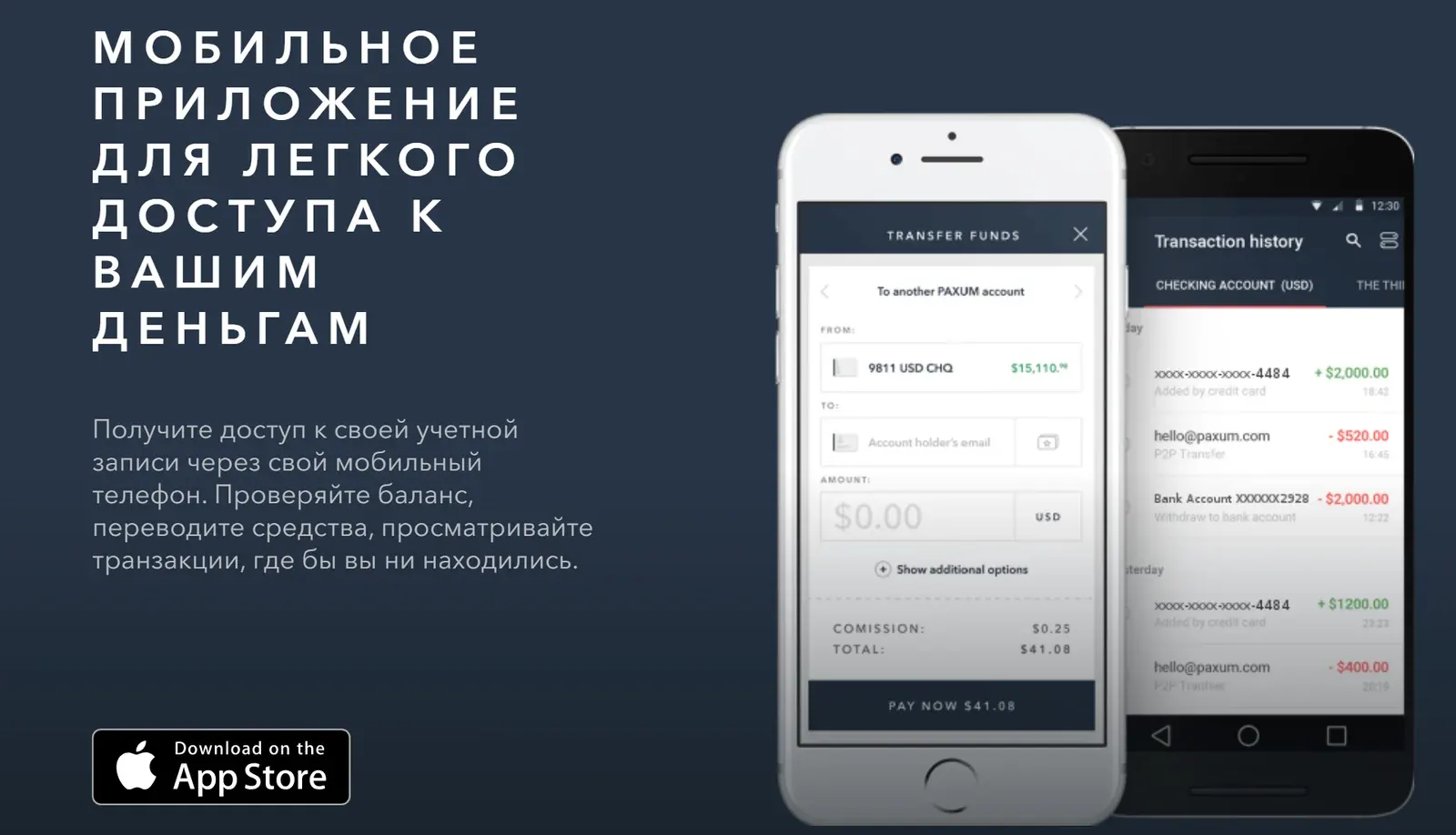
The service has a mobile app, available from the App Store and Google Play. The app is free and light on the device. Registration with a mobile phone number is required. The app lets you view your transaction history, check your balance and send money from anywhere in the world.
Personal account
Becoming a Paxum customer takes 3 simple steps:
- Register an account.
- Upload your documents.
- Start sending and receiving payments.
A personal account can be opened within a day. Fill in the online application on the website and confirm your information within 24 hours.
Availability
Paxum is available to customers in many countries. Before registering, check that your country is supported and that the payout options you need work for you.
Pros and cons
Pros:
- EFT transfers are available in more than fifty countries and more than twenty currencies;
- P2P transfers are possible;
- You can send funds to almost any MasterCard or China UnionPay card worldwide;
- A Paxum prepaid card is available;
- You can receive payments in more than 14 currencies;
- Virtual accounts in the US and the EU;
- Several withdrawal options;
- Full REST-based API integration is available;
- Customers are promised safe funds and reliable settlements.
Cons:
- High fees;
- Card withdrawal limits ($2,500 per day and $10,000 per month);
- You can add extra email addresses, but the one entered first and marked as primary cannot be changed.
Reviews
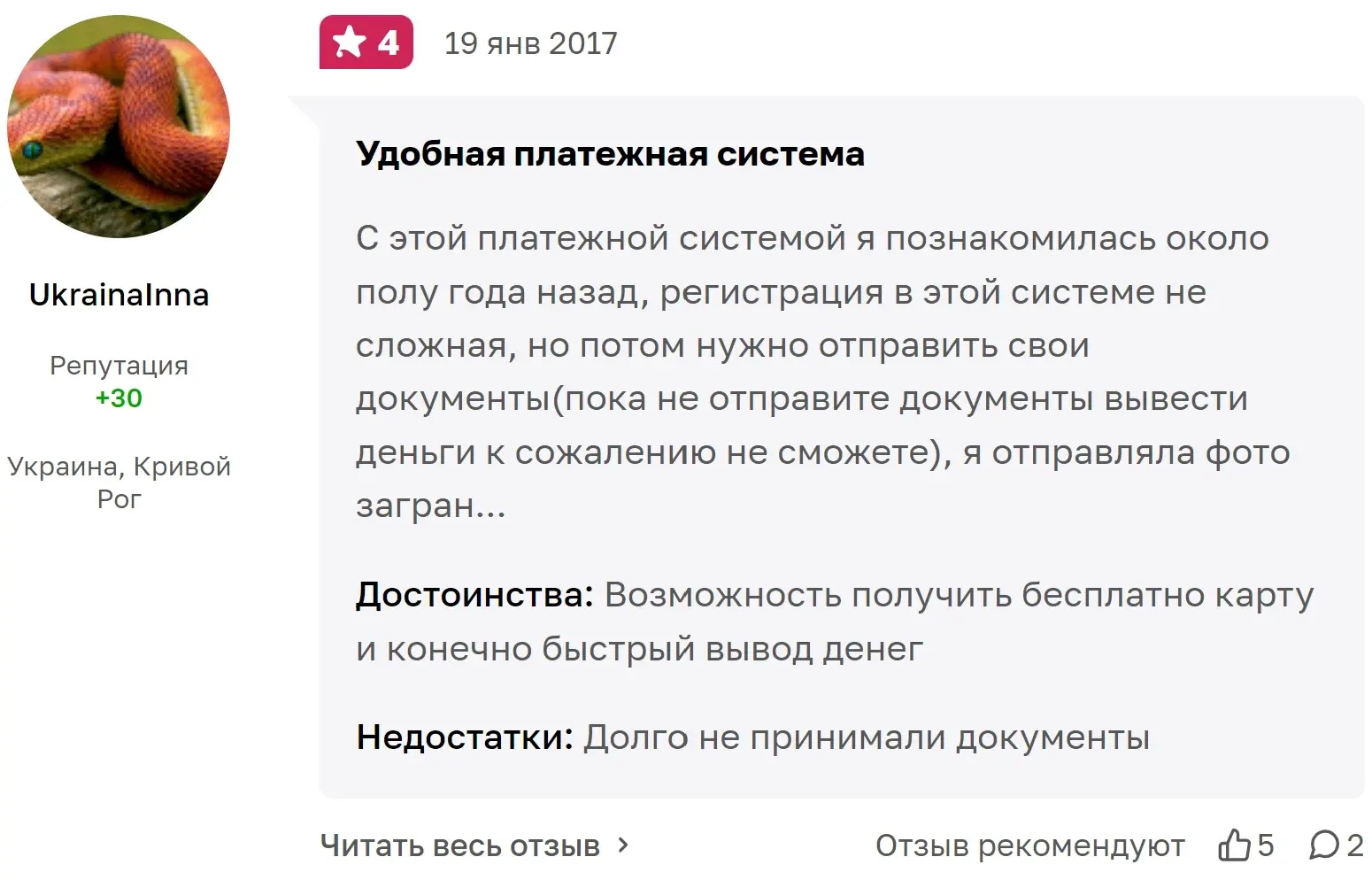
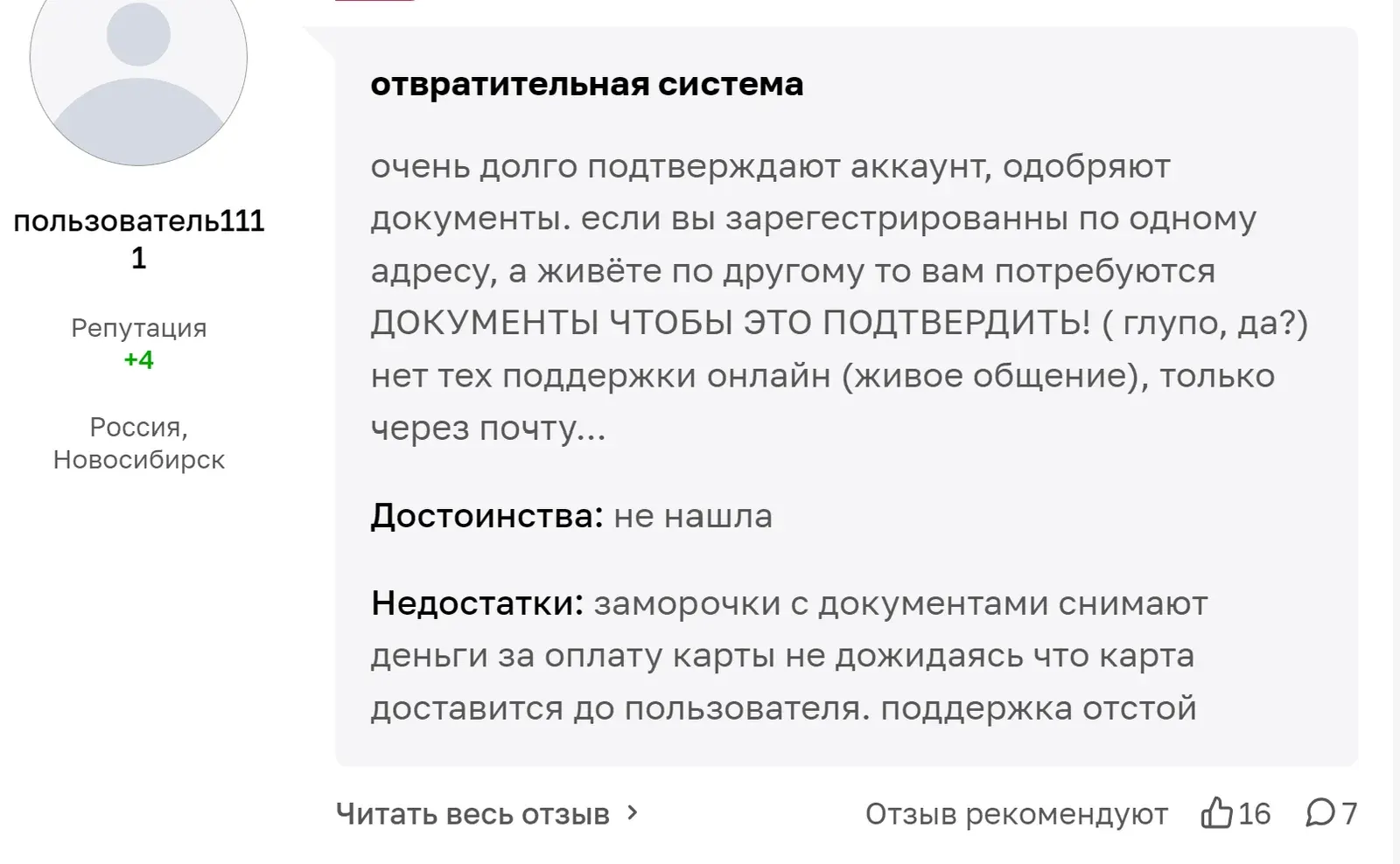
A customer review is a personal impression of the service. Both positive and negative reviews are valuable feedback and deserve attention.
According to the website, Paxum is used by more than 250,000 customers and about 5,000 companies. Opinions about the service can be found on various review sites.
Platforms in this guide
- PaxumE-wallet long used in the adult industry
Frequently asked questions
What is Paxum?
Paxum is an international payment system with an e-wallet, transfers, a prepaid card and business payouts. Freelancers, webcam models and companies often use it to send and receive payments.
Can I have both a personal and a business Paxum account?
Yes. You can verify only one personal account, but you can have several business accounts if you have the required documents. Each account needs a unique email address.
What fees does Paxum charge?
Examples include $44.95 annual maintenance, a $5 flat fee for withdrawals to a Paxum WebCamCash card and $0.25 for a transfer from another e-wallet to a Paxum card. Check the current fee table in your account.
What are the Paxum card limits?
Card withdrawals are limited to $2,500 per day and $10,000 per month. The maximum daily transfer from a Checking Account wallet is $10,000.
How long do Paxum transfers take?
Transfers are made in US dollars and usually arrive within 5 days, sometimes up to 7. Domestic EFT bank transfers can be faster.
Which Paxum account type should I choose?
A personal account suits freelancers and webcam models. Choose a business account if you pay employees or accept payments for products and services.