
Paxum is an electronic wallet for individuals and businesses. In the system you can carry out transactions with different currencies, store funds in your account, transactions occur instantly.
Official website: paxum.com.
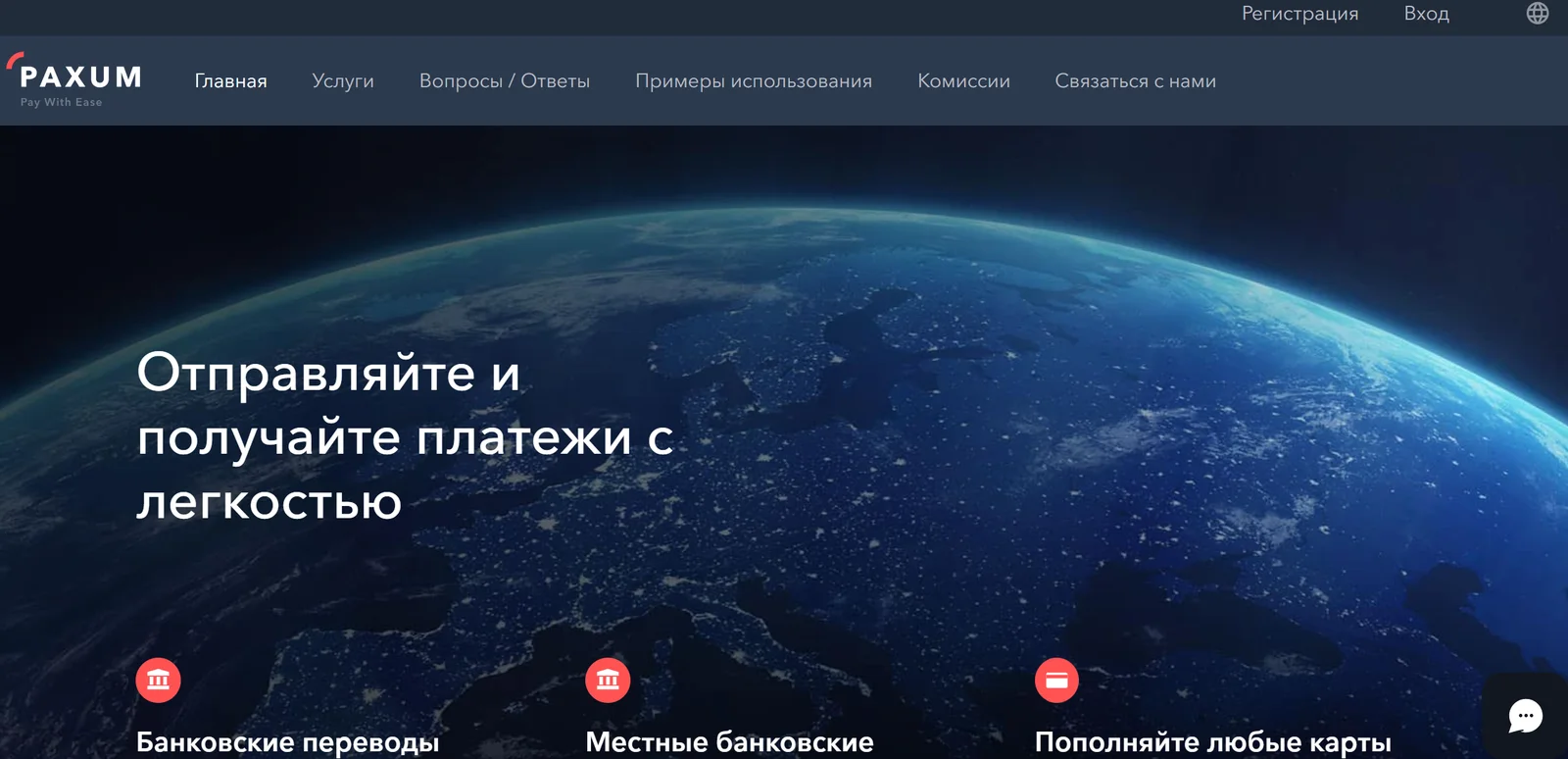
First login
First you need to register in the Paxum system.
- Click on the “Sign Up” button on the main page of the site and select the account type: personal or business. Personal is suitable for a freelancer or webcam model, business - for company owners who need to transfer salaries to employees from the card.
- Fill out a detailed form and wait for a letter to your personal email (it will contain a confirmation code).
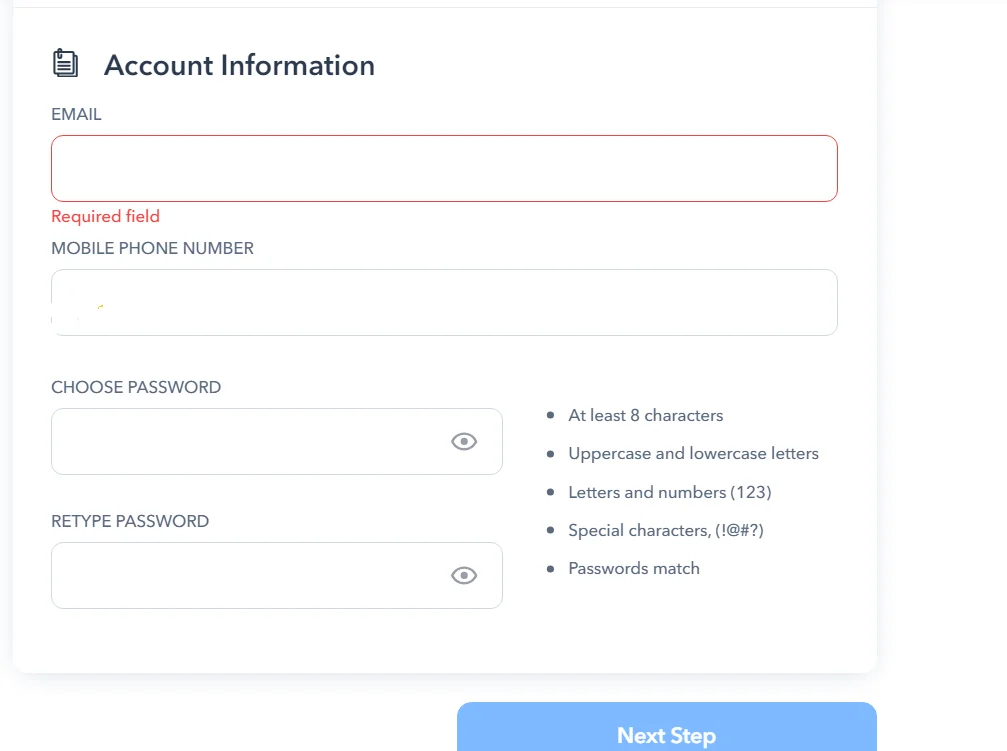
Login and password from the letter
The email will contain not only a link to activate your account, but also transaction codes. These codes are needed to confirm the client's identity when transferring money.
Account verification
Without verification, you will not be able to fully use the platform, so this procedure must be completed.
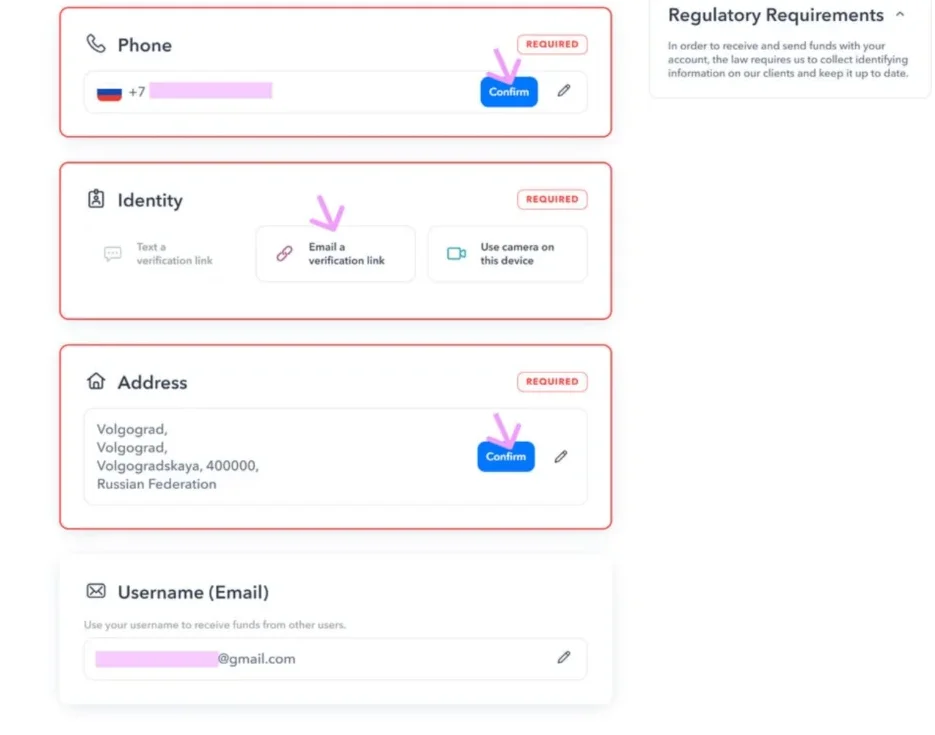
- After clicking on the link in the email, the user will be in his personal account. You must click on the warning link about the need to verify your account.
- A digital code will be sent to the specified phone number: enter it and confirm the phone number.
- Take and send a photo of your documents: a passport page where your registration is visible, or a receipt for utilities with the address.
- Wait for the results of document verification.
Login to account using login and password
To log into your account, use the email address and password you provided during registration. Click the Sign In button.
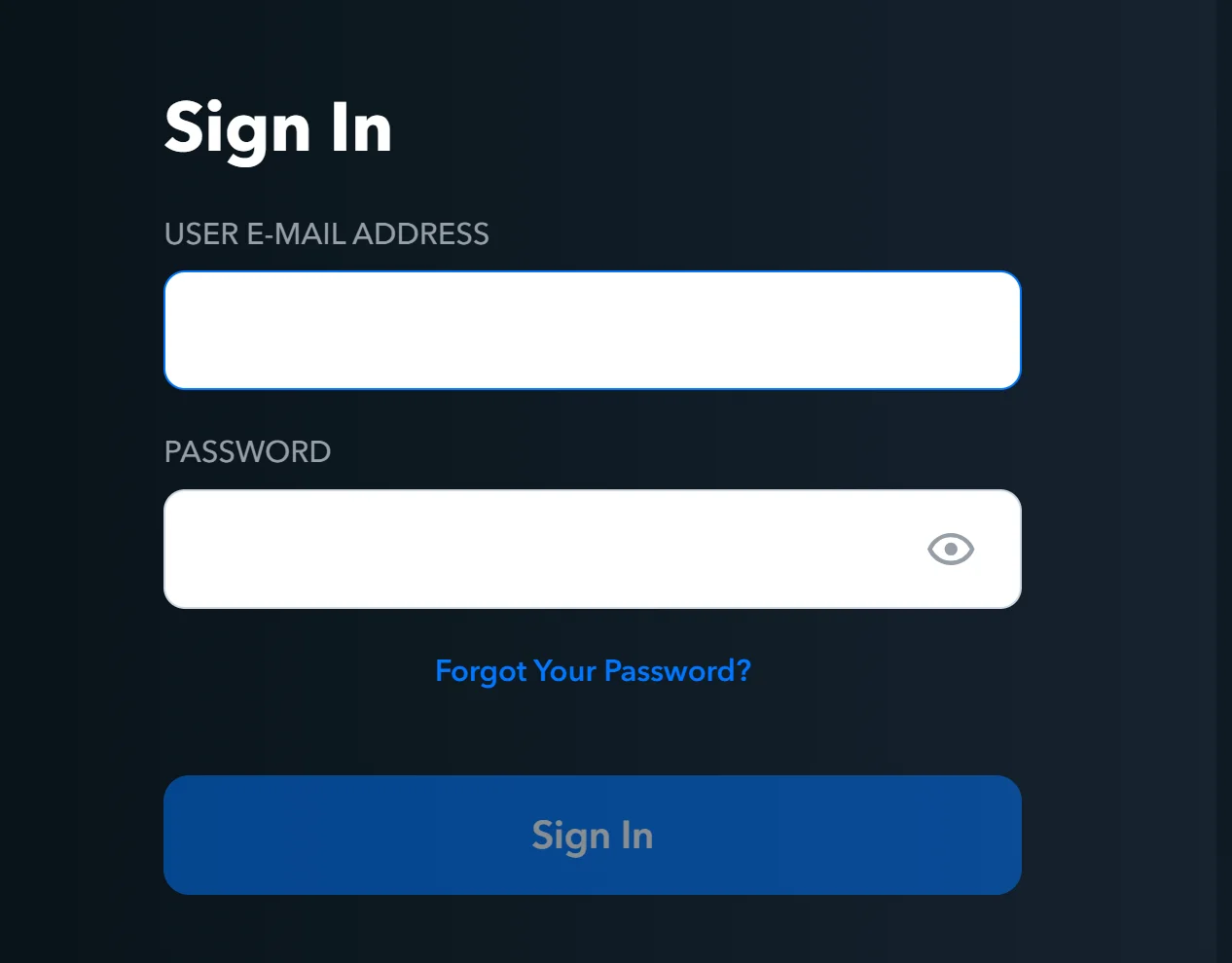
After entering your identification details, you will be logged into your Paxum account.
Password recovery
You can recover your forgotten password by clicking on the Forgot Your Password link. Instructions for recovering your forgotten password will be sent by email.
Paxum allows you to quickly and securely conduct financial transactions online. With the given registration and login instructions, you will easily understand the basic steps for using the service.