
Fansly is a platform where content creators share exclusive content with their followers. It allows you to financially support authors and receive unique content for this. In this article, you'll learn how to sign up for Fansly, add a payment method, and subscribe.
Adding a payment method
To start using paid services on Fansly and supporting creators, you need to add a payment method. This will ensure automatic payment for subscriptions and content purchases.
How to add a payment method
- Log in to your personal account on the Fansly website.
- Go to the “Settings” section.
- Select “Payment Methods”.
- Click “Add Map”.
- Enter your card details.
- Confirm the addition.
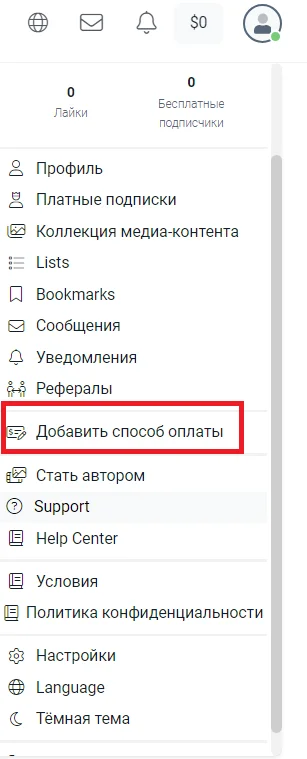
Confirmation of data
After entering the card details, the system may request confirmation via SMS or the bank's mobile application. Follow the instructions to complete the process successfully.
Select the author of interest
To receive unique content from your favorite authors, you must first find them and subscribe. Fansly provides convenient tools to search for authors based on various criteria.
How to find the author
- On the Fansly home page or app, find the search bar.
- Enter the author's name or keywords that describe their content.
- Select an author from the suggested results.
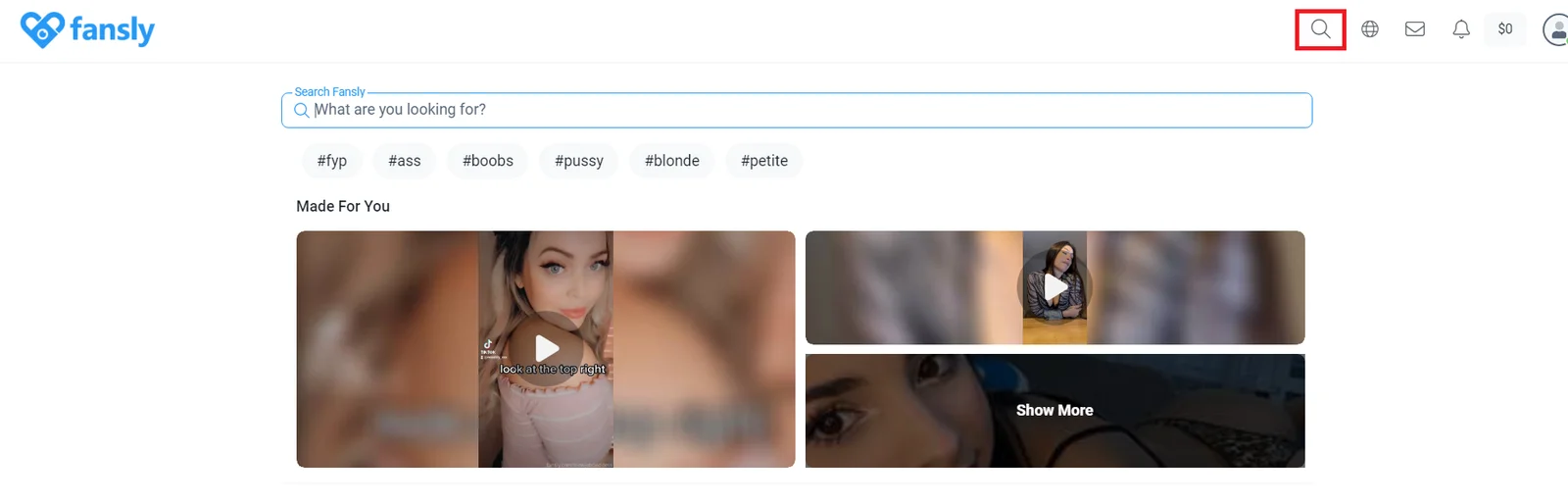
On Fansly, you can search for authors by name or by keywords that describe their content. This makes the process of finding authors quick and convenient. For example, if you are interested in nature photography, simply enter relevant keywords and you will find many authors dedicated to this type of creativity.
Subscription
Subscribing to the author gives access to his exclusive materials. You can choose from different plans and receive content that suits your interests.
- Go to the author's profile.
- Check out its content and subscription rates.
- Click the “Subscribe” button.
- Select the tariff that suits you.
- Confirm payment.
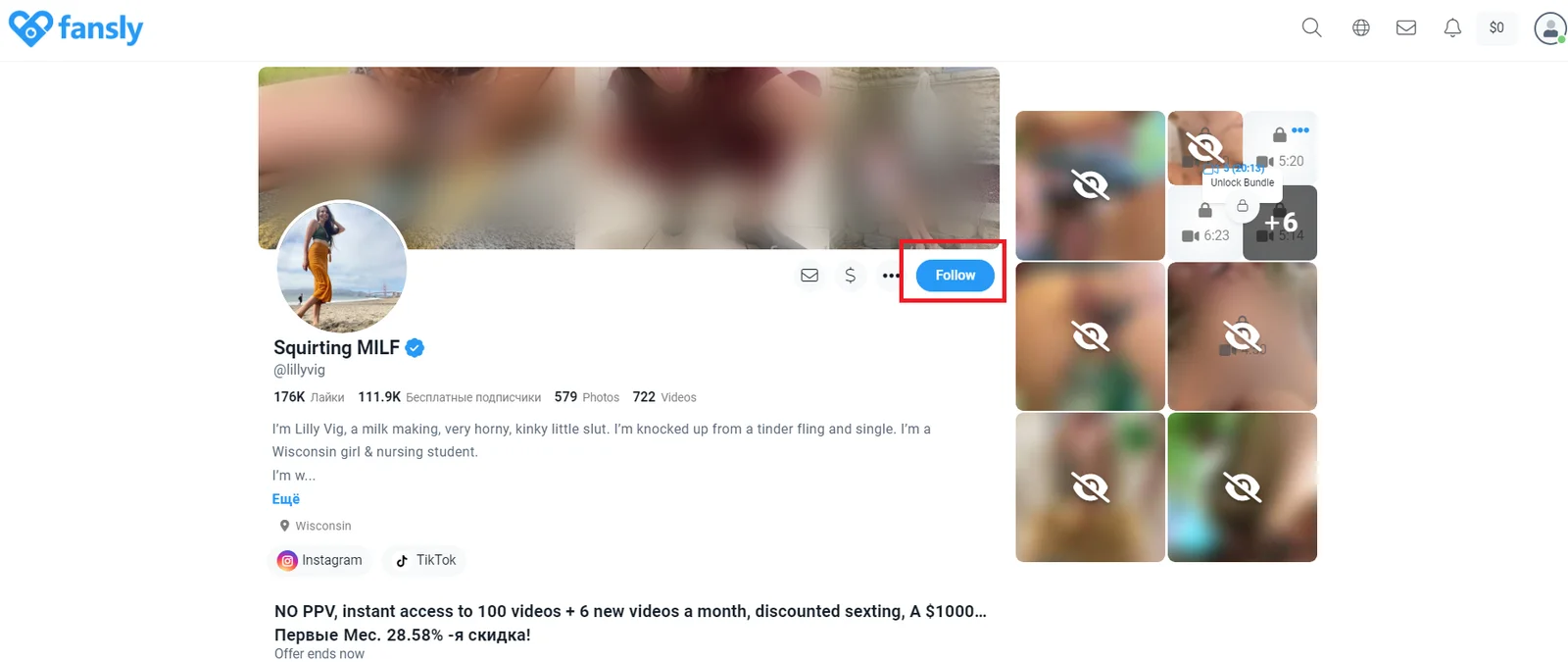
Fansly gives you the opportunity to support your favorite content creators and gain access to exclusive content. By following these instructions, you can easily register, add a payment method and subscribe. Enjoy unique content and support your favorite creators on Fansly.