How to Use Fansly: A Guide for Creators and Fans
Fansly lets creators earn from subscriptions and direct contact with fans. Here is how to set up a profile, post content and subscribe to a creator.

Important. Platform terms change. Before signing up, check the current rules, fees and payout availability for your country.
Fansly is becoming more and more popular because it lets creators earn from their content through subscriptions and direct contact with fans.
This article covers the main features of the platform and gives practical tips for using it.
Fansly for content creators
Fansly lets creators run a profile, share content with subscribers and earn from their work. Here are some tips for models and other creators.
Setting up your profile
- Choose an attractive, memorable username.
- Fill in your profile. Mention your interests, skills and what makes you stand out.
- Add bright, high-quality profile photos that catch the eye.
- Write an informative profile description that explains what kind of content you post.
Posting content
- Publish photos, videos and posts.
- Use hashtags. They help people interested in a given topic find your profile.
- Post regularly to keep your subscribers interested.
- Create exclusive content available to subscribers only.
Interacting with subscribers
- Reply to comments and questions. It engages your audience and keeps interest in your content high.
- Offer personal messages or videos to fans who are ready to pay for exclusive content.
- Go live to stay in touch with your subscribers in real time.
Monetization
- Set a fair, competitive subscription price.
- Use tips so fans can support you financially.
- Offer paid content such as NFTs, personal messages or custom requests.
- Run giveaways and contests with prizes for subscribers.
Advertising and promotion
- Use social networks to promote your Fansly profile.
- Team up with other creators for mutual promotion.
- Take part in promotions and events organized by Fansly to get noticed.
Keep an eye on platform trends and adapt your content and strategy as things change.
Follow Fansly's rules and guidelines. This helps you avoid getting your profile blocked.
Fansly for fans
Here are some tips for using Fansly as a fan.
Finding content and creators
- Use the search on the platform. You can look for creators by keywords, tags or categories.
- Browse the recommendations and top creators on the home page.
- Join groups and communities that match your interests to learn about new creators and content.
Viewing content
- Free content is available to every user.
- To view paid content, you need to subscribe to a creator or buy the paid service.
Subscribing
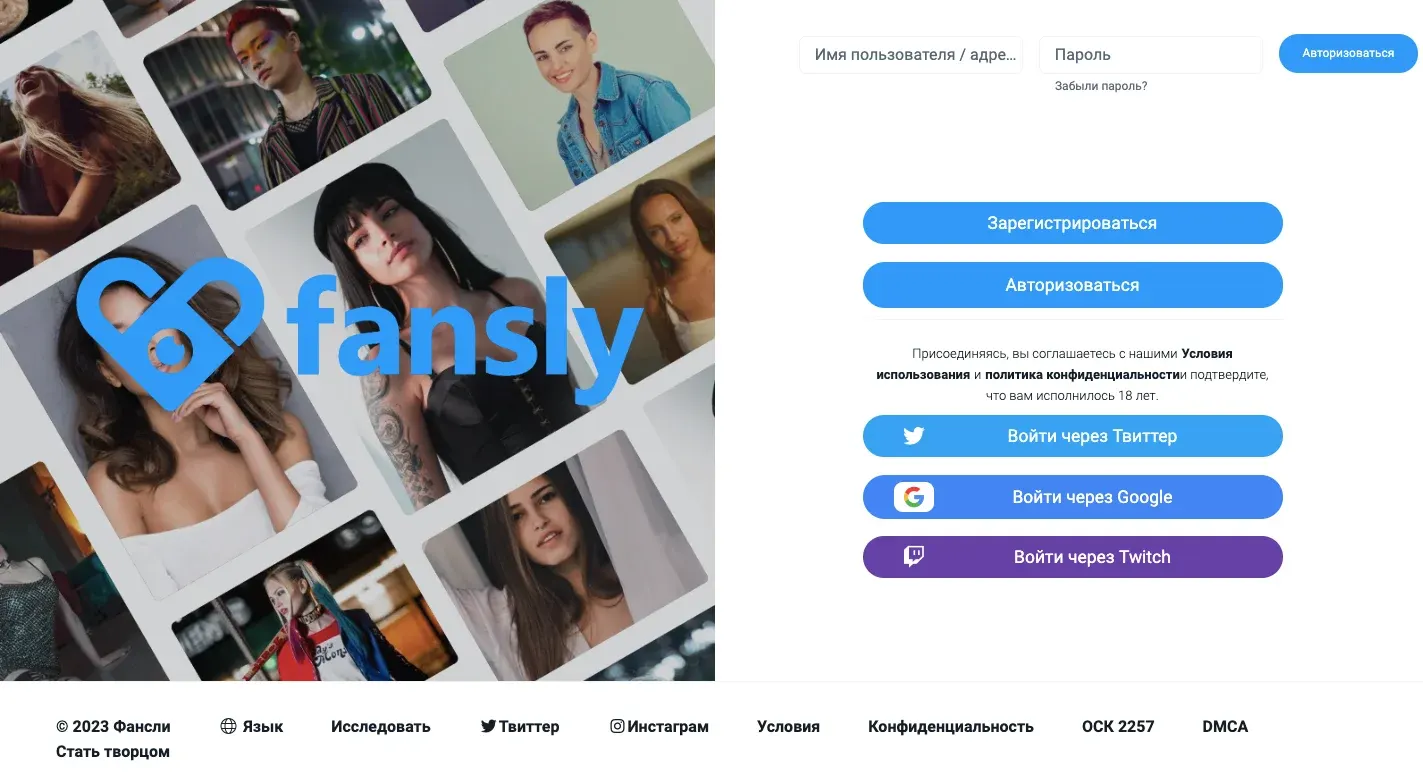
- Click the Subscribe button on the creator's page.
- Choose a suitable plan and pay for the subscription using the available payment methods.
- Once subscribed, you can view the creator's paid content.
Follow the platform's news and updates to stay on top of new features.
Fansly is a platform where creators can earn from their content and stay in touch with fans, while fans support their favorite creators and get access to exclusive content. The tips above will help you get started quickly.
Platforms in this guide
- FanslyA leading OnlyFans alternative with tiered subscriptions
Frequently asked questions
What is Fansly and how do creators earn on it?
Fansly is a platform for content creators who earn from subscriptions, tips, paid messages and custom requests.
How do I sign up on Fansly as a creator?
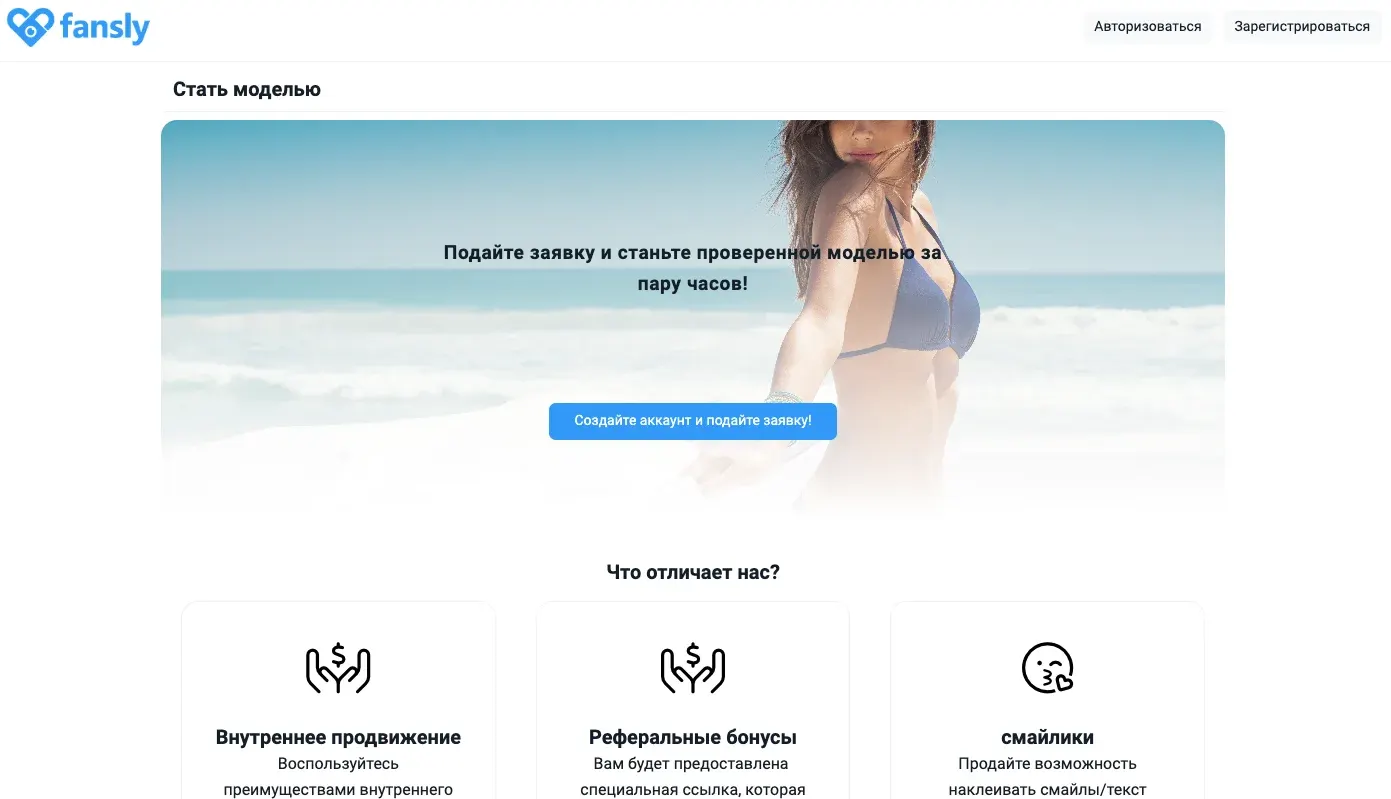
Fill in the sign-up form on the Fansly site with your name, email and password, choose the creator account type, then confirm your email and complete your profile.
How do I create and publish a post on Fansly?
Open the post creator in your account, choose the content type (photo, video or text), upload a file or write text, set who can see it (public or subscribers) and publish.
How can fans find creators on Fansly?
Use search by keywords, tags and categories, browse the recommendations on the home page, or follow links to creators' profiles from their social networks.
How do I subscribe to a creator on Fansly and pay?
Open the creator's profile, click Subscribe and pick a plan. Available payment methods depend on your region and are shown at checkout.
How can a creator interact with subscribers on Fansly?
By replying to comments, sending direct messages, going live, running polls and posting for specific groups of subscribers.