
In an age where content is becoming increasingly personalized, platforms like OnlyFans are quickly gaining popularity.
OnlyFans is a social platform where content creators can earn money from their talents by offering subscribers exclusive content for a monthly fee. Many users have difficulty subscribing to OnlyFans, especially in countries where access to this platform is limited.
In this material, we will provide a complete guide to subscribing to OnlyFans: functionality, payment and registration process.
OnlyFans subscription options
OnlyFans offers a wide range of content, from fitness and cooking to entertainment and erotic material. Here are some of the main features that OnlyFans provides:
- Access to exclusive content. Subscribers can access photos and videos that are not publicly available.
- Personal contact with the authors. Subscribers can communicate with authors directly through private messages or comments. This allows for a closer connection between content creators and audiences.
- Possibility of supporting authors. Subscribers can support creators by making donations or paying for additional services such as personal videos or consultations.
- Flexibility in choosing a subscription. Subscribers can choose between different authors and follow multiple accounts at the same time. You can also choose between different subscription types such as monthly, annual or one-time.
- Security and privacy. OnlyFans ensures the security and privacy of users using modern data protection technologies.
Access via VPN
Logging into your OnlyFans account via a VPN (virtual private network) may be required if you are in a country where access to the site is restricted or you need to access content specific to a specific region. Here are the step-by-step instructions for logging into your OnlyFans account using a VPN:
Connect to VPN
- Install and launch the VPN client on your device (PC, phone, tablet).
- Select a server in a country where access to OnlyFans is unlimited.
- Connect to the selected VPN server.
Access to OnlyFans
Open your browser and go to the official OnlyFans website at onlyfans.com.
Login
- On the main page of the site, find the “Login” (or “Sign In”) button and click it.
- Enter the email address associated with your OnlyFans account.
- Enter the password for your account.
- If you have forgotten your password, click on the "Forgot your password?" link. (or "Forgot password?") and follow the instructions to reset your password.
Login Confirmation
- If all data has been entered correctly, you will be automatically logged into your account.
- If this is your first time using a VPN to access OnlyFans, you may need to verify your identity via email or phone.
Access check
After logging in, make sure the VPN is still connected and check that you can view content that was previously unavailable.
Saving connection
For uninterrupted access to OnlyFans via VPN, it is recommended to leave the VPN client running in the background.
Using a VPN may violate OnlyFans site rules. Also keep in mind that site speeds over a VPN may be slower due to traffic redirection.
Subscription payment
Payment for a subscription to OnlyFans can be made in several ways:
Payment through intermediary services
Payment via proxy services is a method of paying for an OnlyFans subscription that allows users to complete transactions without using their own bank cards or details. Instead, they use the services of a third party, which acts as an intermediary between the user and the OnlyFans site.
Advantages:
- Anonymity: Users can keep their payments private.
- Convenience: Some services offer a quick and easy payment process.
- Wide range of payment methods: Some services accept various types of payments, including cryptocurrency and e-wallets.
Disadvantages:
- Additional Fees: Intermediaries often charge additional fees for their services.
- Delays: Payment through an intermediary may take longer than direct payment by card.
- Fraud risk: Using unreliable intermediaries may result in loss of funds.
Examples of services:
- Remoney. Official website: remoney.ru
- O-Plati. Official website: oplata.info
- PayFriend. Official website: payfriend.ru
Payment by virtual card
A virtual card is an electronic version of a traditional debit or credit card that exists only in digital form and is used to make online transactions.
Advantages:
- Anonymity: Virtual cards can be created with temporary data, ensuring privacy.
- Security: If virtual card data is compromised, it can be easily reversed without risking the main card.
- Spending management: Virtual cards can be pre-loaded with a certain amount, which helps control spending.
Disadvantages:
- Limited Use: Virtual cards are for online transactions only and cannot be used in physical stores.
- Fees: Some services may charge fees for creating and using virtual cards.
Examples of services:
- PST.NET. Official website: pst.net
- Capitalist. Official website: capitalist.net
- EPN.NET. Official website: e.pn
Payment by foreign card
Paying with a foreign card on OnlyFans means using a credit or debit card issued outside the user's country of residence.
Advantages:
- Availability: If local cards are not accepted on OnlyFans, a foreign card may be your only payment option.
- Wide choice: users can choose a card with the best conditions or loyalty program.
Disadvantages:
- Foreign Exchange Fees: Banks often charge additional fees for currency conversion for international transactions.
- Delays and Refusals: Some banks may block transactions on OnlyFans due to their content or because they are considered high-risk.
- Support difficulties: If payment problems arise, it may be difficult to resolve them with the overseas bank.
Features:
- It is important to check your bank's policy regarding payments on sites related to adult content.
- Possible additional costs associated with international payments must be taken into account.
Subscription process
Subscribing to OnlyFans involves a number of steps. Here's a step-by-step guide:
Deleting Russian map data
- Log in to your OnlyFans account.
- Go to the "Settings" or "Settings" section.
- Select the "Payment Information" or "Payment Information" option.
- Find linked Russian cards and remove them by following the instructions on the site.
Change account country
- In your account settings, find the "Profile" or "Profile" option.
- Change your country of residence to one where the card is active and can be used for international payments.
- Save changes.
Author's choice
- Use search or categories to find the author whose content you want to subscribe to.
- Open the author's profile and review the content provided and subscription terms.
Purchasing a subscription and entering card details
- Click on the "Subscribe" or "Subscribe" button on the author's page.
- Enter the details of your card, which is not Russian and can be used for international payments.
- Make sure you have enough funds on your card to pay for your subscription.
- Confirm the payment and wait for confirmation from OnlyFans.
After completing these steps, you should be successfully subscribed to the featured author's content. If you encounter payment problems or other questions, please contact OnlyFans support for assistance.
Useful services
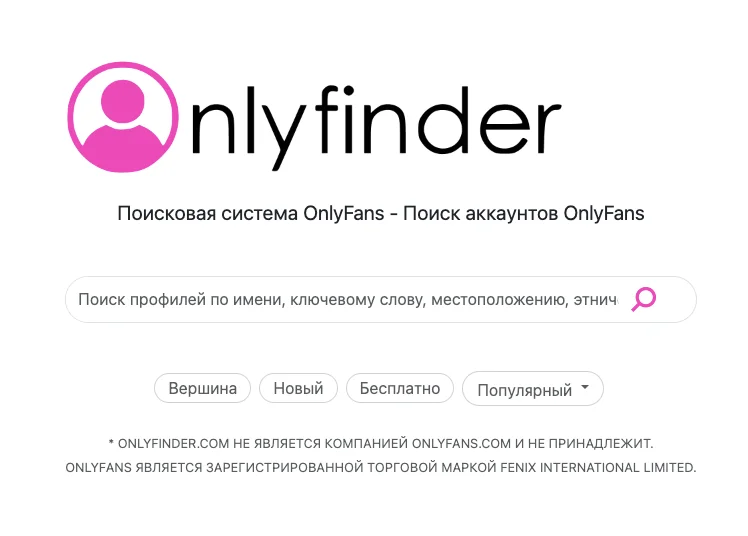
OnlyFinder
Official website: onlyfinder.com
OnlyFinder is a search platform that helps OnlyFans users find creators based on various criteria such as location, content topic, and other parameters. This service can be especially useful for those who want to filter and find specific content creators on OnlyFans.
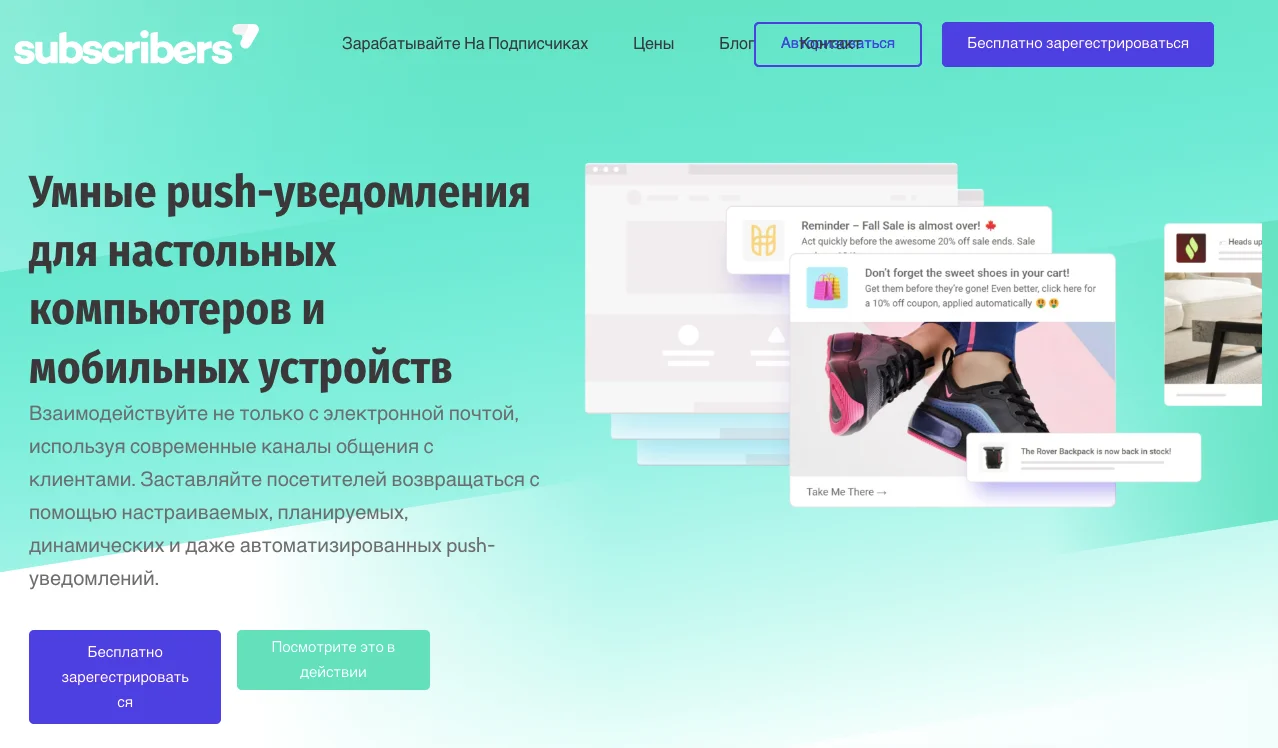
Subscribers.com
Official website: subscribers.com
Subscribers.com offers tools for OnlyFans creators to better manage their subscribers and content. For fans, this could mean a more convenient way to follow their favorite creators and stay up to date with all the updates.
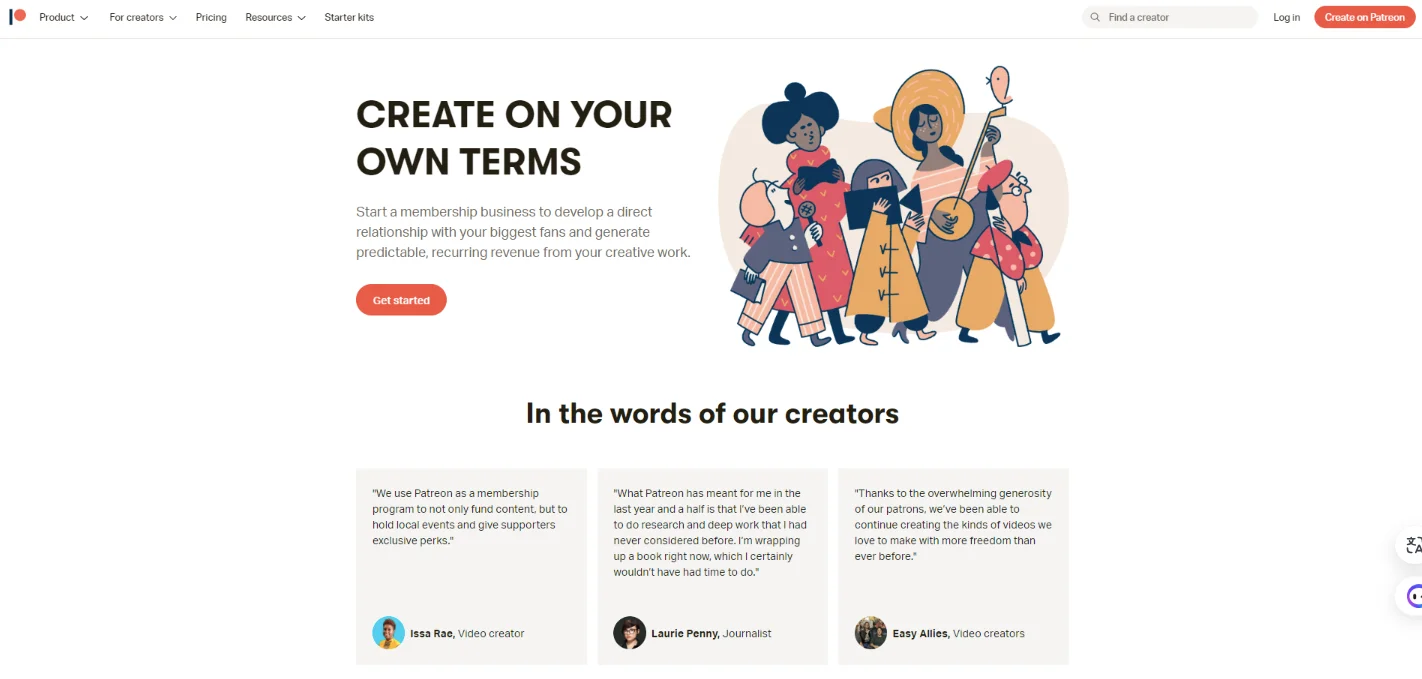
Patreon
Official website: patreon.com
Although Patreon is not a direct service of OnlyFans, many creators use it to support their creativity. This may be useful for those looking for alternative ways to support creators before moving to OnlyFans.
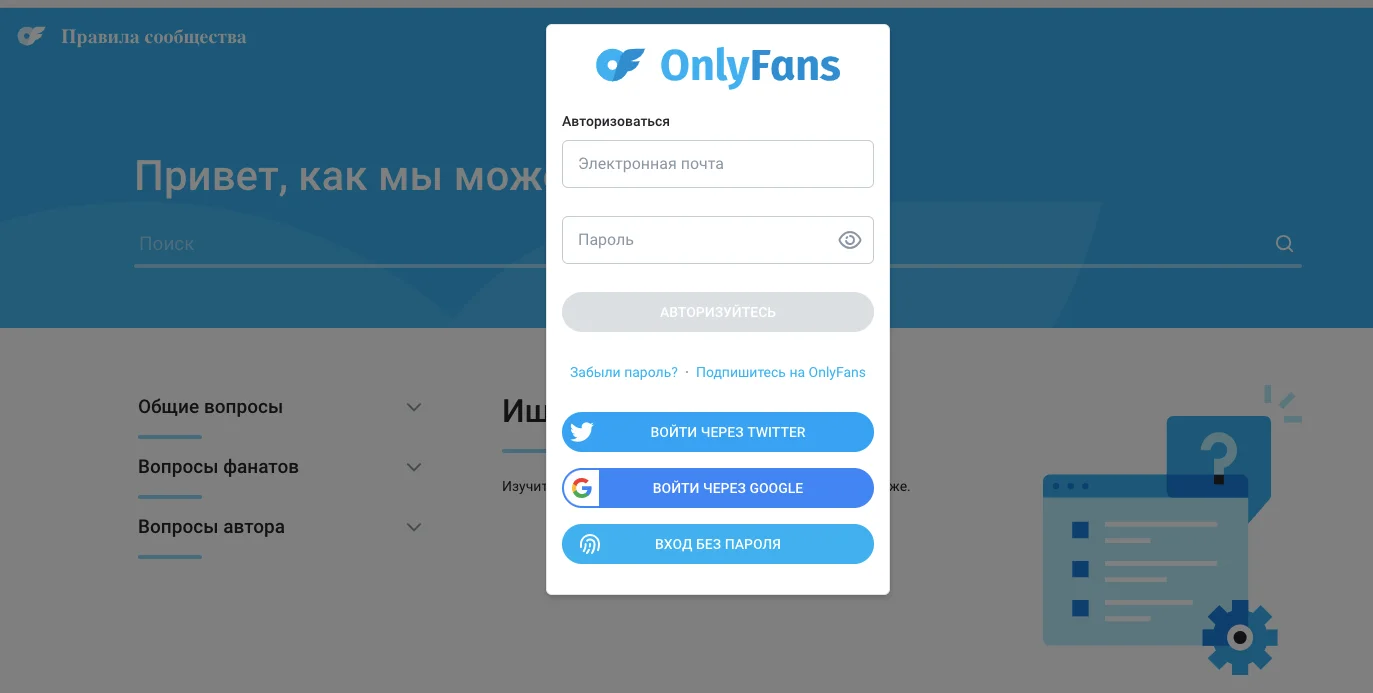
OnlyFans FAQ
Official website: onlyfans.com/faq
The official Frequently Asked Questions (FAQ) section on the OnlyFans website provides extensive information about the subscription process, payment, security and other aspects of using the platform.
By subscribing to OnlyFans, you get access to unique content from your favorite creators, and also support their creativity. Now, with all the information you need, you can easily become a part of the OnlyFans community and enjoy exclusive content. Be sure to follow our guidelines and tips to ensure you have the most comfortable and safe experience using the platform. Have fun on your creative journey with OnlyFans!