
To search for a specific person's account by photo on Fansly, you can use special search services. This is one of the most effective methods. In this article we will look at some of them.
Search through third-party services
Spokeo
Official website: spokeo.com
Spokeo allows you to search for information about people using various parameters, including photos. To use this feature, you need to upload an image to the site, after which the service will search its database.

Using Spokeo, you can find not only accounts on social networks, but also contact information, residential addresses and other information available in open sources. This service provides detailed reports that help you get maximum information about a person.
Social Catfish
Official website: socialcatfish.com
Social Catfish specializes in finding people and profiles based on photos. The service works on the principle of uploading an image and then analyzing matches on social networks and other online resources. Social Catfish also uses facial recognition and image comparison technologies to find matches in the database.

The service offers a variety of pricing plans, including a free trial and paid subscriptions that provide access to advanced features and more detailed reports.
Photo search capabilities and limitations
Photo search has its capabilities and limitations. The result depends on the quality of the image and the availability of the photo in the service database. Not all services guarantee 100% accuracy.
Some sites may charge a fee for access to complete information. It is also worth considering that not all photographs may be found, especially if they were not published in publicly available sources.
Facial recognition and image comparison technologies are constantly improving, but they can still make mistakes. For example, algorithms may not recognize a face in a photo if it is partially obscured or the image is of low quality. Additionally, some services may only use certain databases, which limits the number of matches found.
View bookmarks and browser history
Checking your bookmarks and browser history can help you find the account you need.
Searching your browser history can be done through your browser settings. It displays all pages visited for a certain period of time.
Browsing bookmarks allows you to quickly find saved pages if you have previously added them to your favorites. Use keyword search in bookmarks and history to quickly find the information you need.
Account registration by user mail
If you have a user's email address, try registering on Fansly with that address. If the address is already in use, the service will notify you about this, which will confirm the existence of an account. This method can help figure out if a person is using a specific email to sign up for Fansly.
You can also try to restore access to your account using the “Forgot your password?” function. If the system sends you an email with password recovery instructions, this will also confirm that you have an account associated with the email address you provided.
Search by username
Try searching for an account by username. Many people use the same or similar names on different platforms. This may help you find an account on Fansly. To do this, enter the intended username into the search bar on the site or use other social networks to search for similar names.
Sometimes users use their real names or nicknames on their profiles on various platforms. Use this information to expand your search. You can also use search engines such as Google, typing your username in quotes for more accurate results.
Other useful services
Google Images
Google Images allows you to search for images on the Internet. Upload a photo to the site and Google will search the entire internet trying to find matches.
This service uses image recognition technology to find similar photos and the sites where they were published.

TinEye
TinEye is another service for searching by photo. It works similar to Google Images, but can offer different results thanks to its database.
TinEye specializes in reverse image search and can help you find original photo sources.

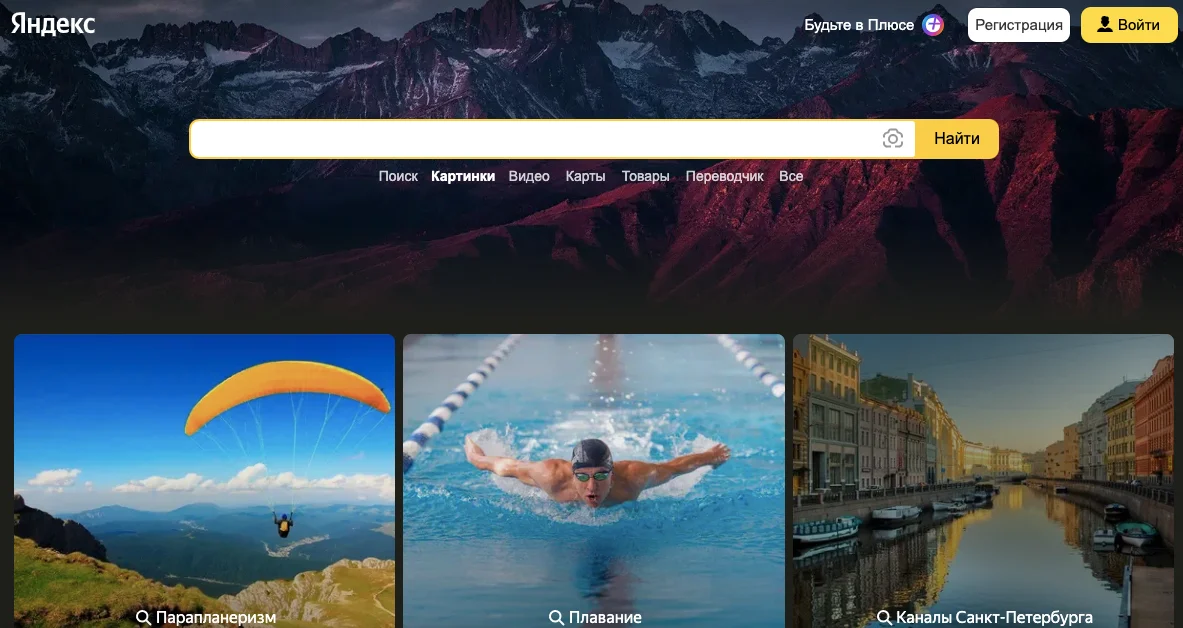
Yandex Images
Yandex Images provides the ability to search by image. This service is useful for searching information on Russian-language sites.
Yandex uses its own image recognition algorithms, which allows you to find unique results.
You can find a person or account by photo on Fansly using various services. Using third-party search engines, viewing your browser history, and searching by username will help you achieve your goal. It is important to remember to maintain confidentiality and legality of actions.