
OnlyFans is a unique platform where you can find accounts of models and other interesting creators. But there may be difficulties in finding the profile of a specific person.
In this article, we will tell you how to find a person or model on OnlyFans using various methods and services, and we will analyze the topic of search in detail.
Search by personal data
If you have access to personal data (for example, first and last name), photo or email address, it is worth using third-party services to obtain more detailed information. Here are some of them:
Social Catfish
Official website: socialcatfish.com
Offers search by email, name, phone number, username or image. Uses a powerful algorithm to link data from different sources. The service also provides detailed reports on the matches found.

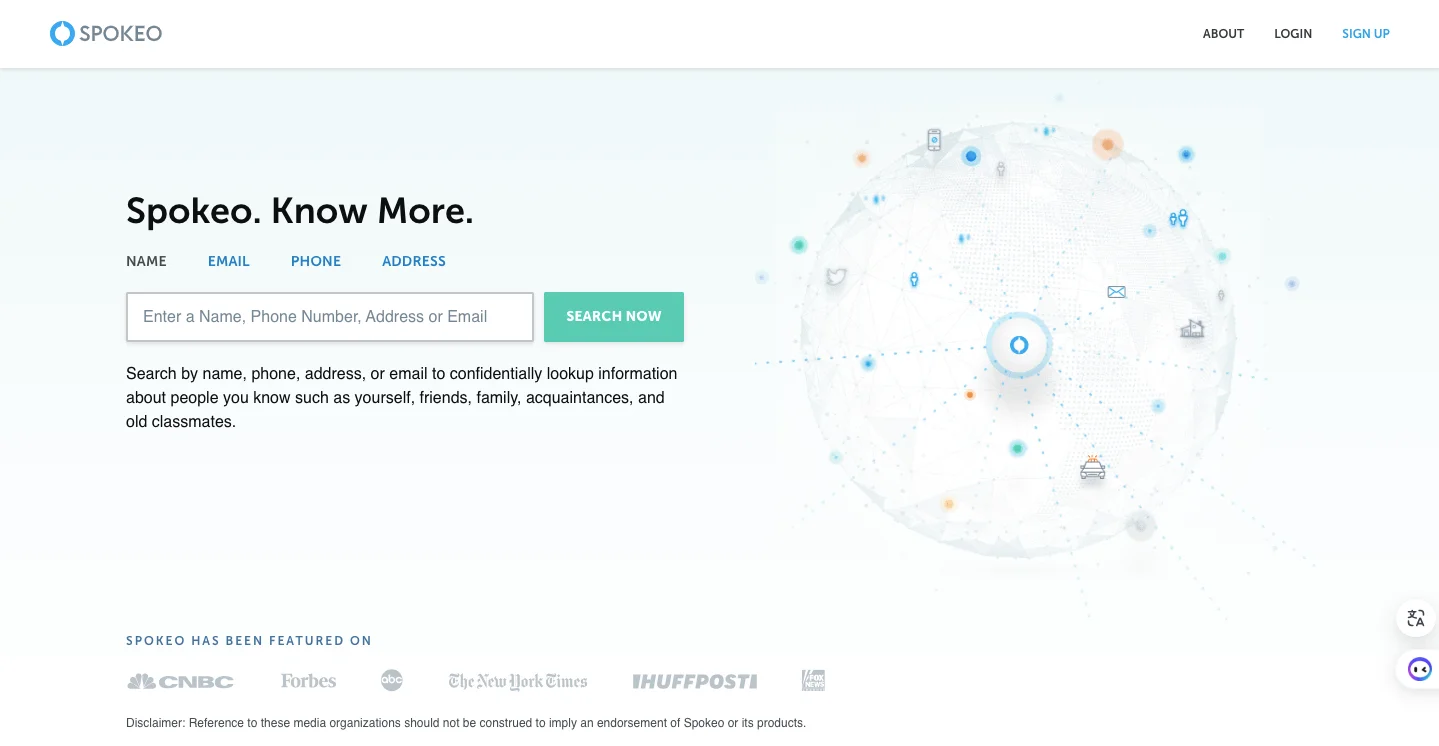
Spokeo
Official website: spokeo.com
Platform for searching information by name, address, phone number and email address. Spokeo combines data from social networks, public posts and other sources.
Search by browser history
If you have previously visited a person's OnlyFans account, information about this is almost certainly stored in the browser you are using. Check your browsing history or bookmarks. You may have saved a link to your account or model page.
Search by username
If you know the username on other social networks, try entering it in the OnlyFans search bar. Often people use the same username on different platforms.
You can also try to indicate the real name of the person you are looking for, since users often indicate real information on social networks.
If you still can't find someone on OnlyFans after using the tools above, try registering a new account. During the registration process, the service will offer a list of recommended models or content creators, among which the person you are looking for may be.
Search by photo
There is currently no direct way to find a model or person on OnlyFans based on a photo. But you can try using facial recognition services such as Google Images or TinEye.
Useful services
OnlyFinder
Official website: onlyfinder.com
OnlyFinder allows you to search OnlyFans users by username or real name. The service scans public OnlyFans profiles and provides the ability to filter results by various criteria, such as gender, location and other parameters.

Hubite
Official website: hubite.com
Hubite is a platform specifically designed for finding OnlyFans accounts. It allows you to search for users by name, other social network profiles, category and location.

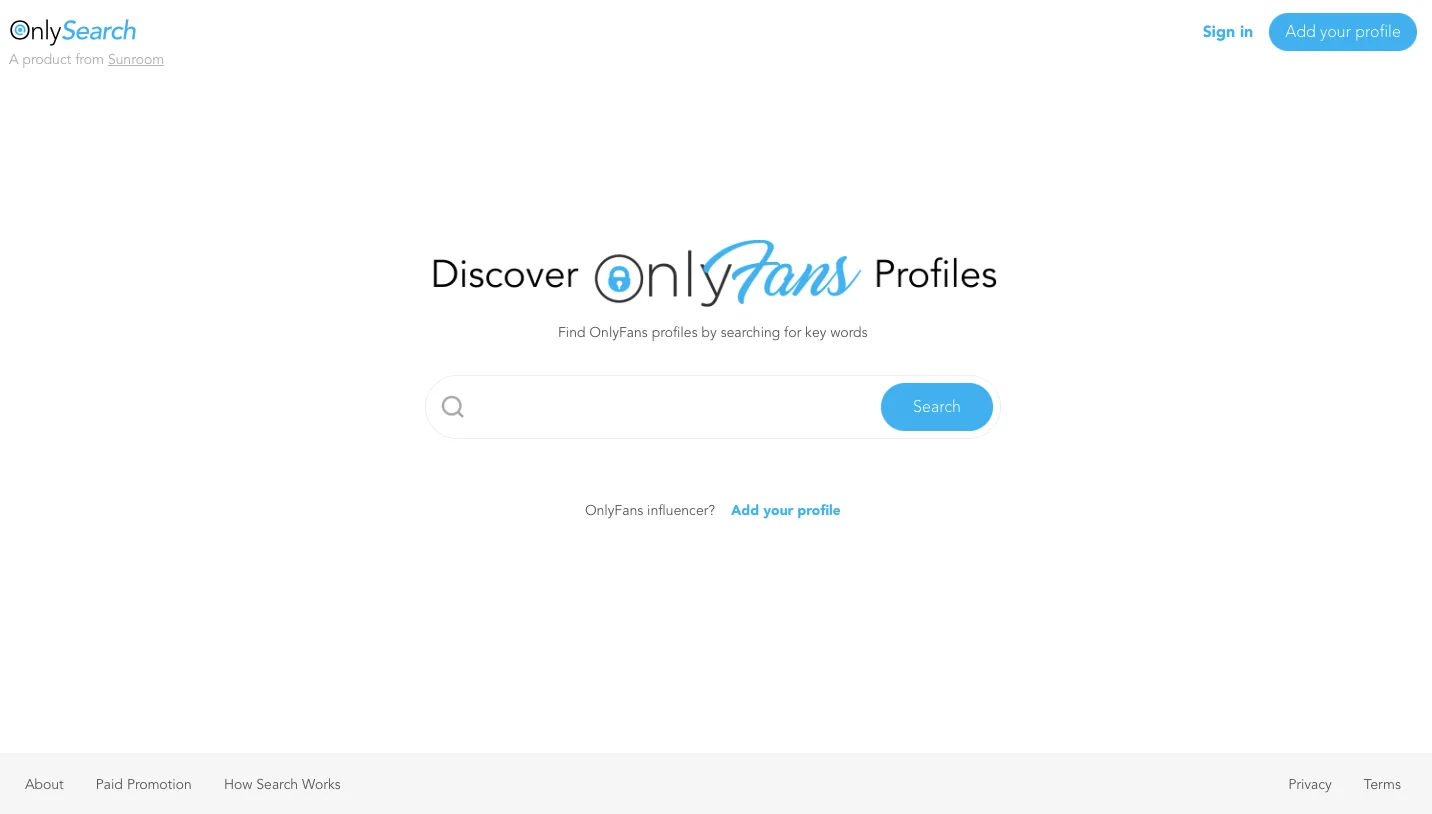
OnlySearch
Official website: onlysearch.co
OnlySearch is another useful tool for finding OnlyFans accounts. It offers search by country, city, content category and other parameters.
BeenVerified
Official website: beenverified.com
BeenVerified allows you to search by name, address, phone and VIN. It collects information from a variety of sources, including social media and public records.

PeekYou
Official website: peekyou.com
PeekYou uses algorithms to analyze and aggregate data from social networks, blogs, link pages and other sources.

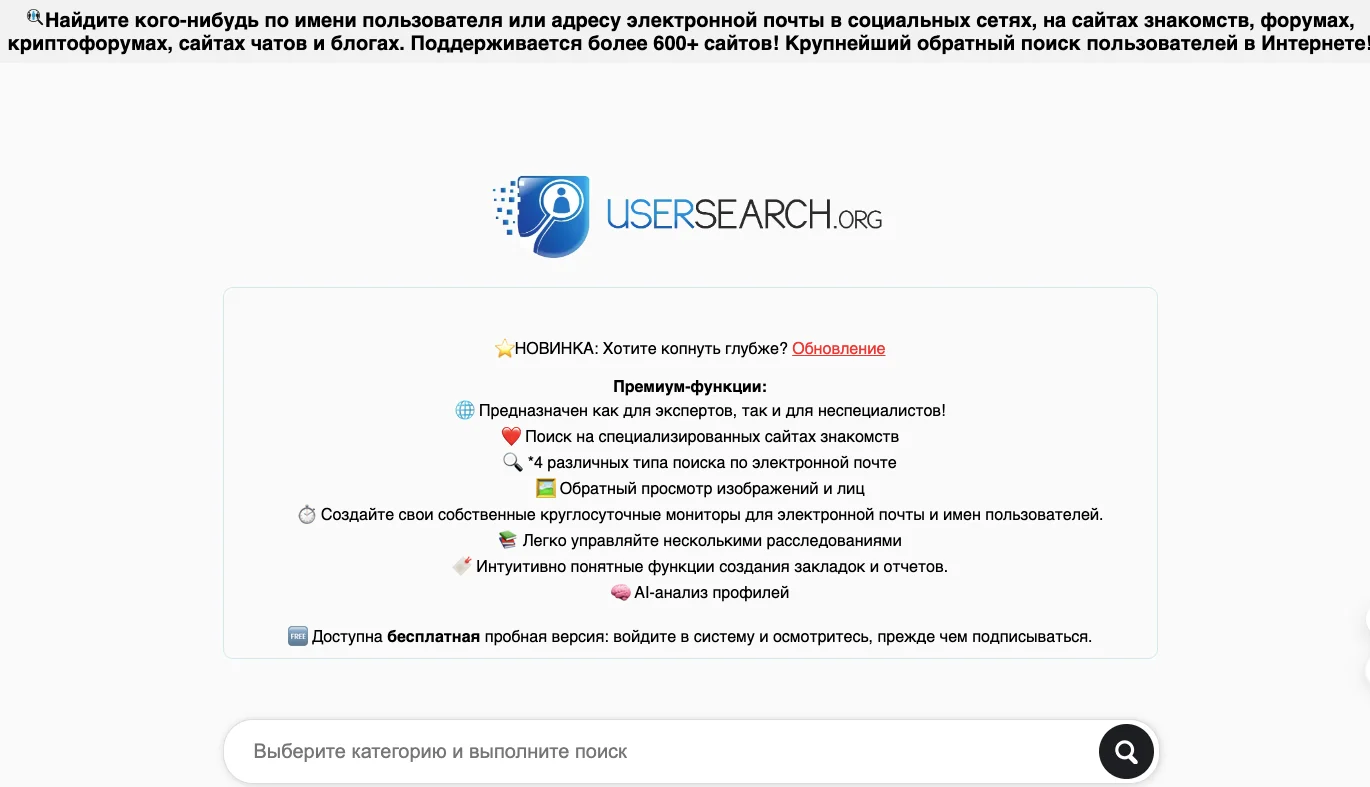
UserSearch
Official website: usersearch.org
UserSearch works with names, email addresses and usernames. The service analyzes data from various sources, including forums, social networks and other sites.
Finding a person, model or account on OnlyFans can be a difficult task, but with modern tools it is completely doable. However, it is important to remember confidentiality and ethical and moral principles of working with personal data.